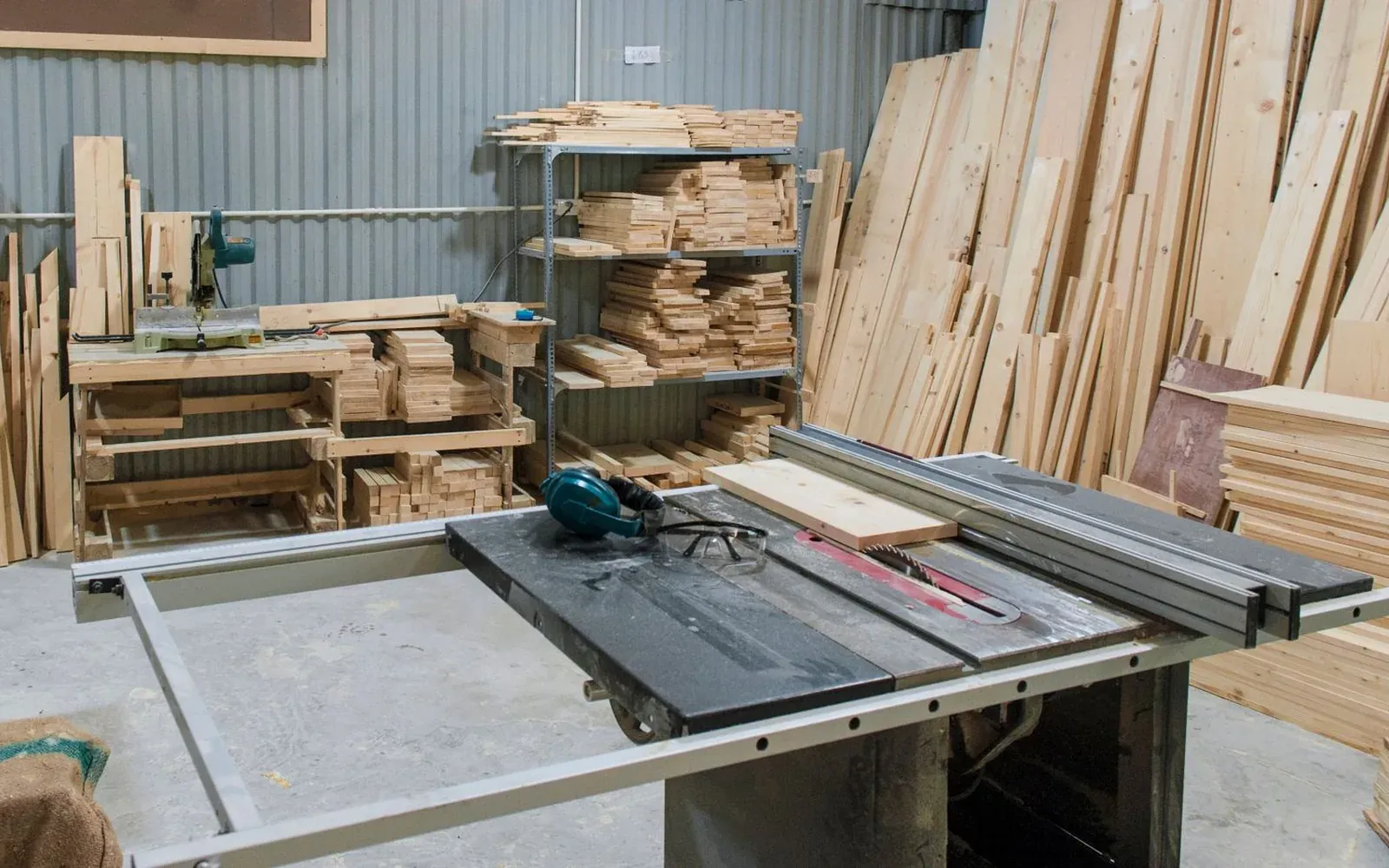
Built on a real workshop floor.
The platform began as the system a stone fabrication and installation business needed to run its jobs — quotes, measures, slabs, crews and claims. That job spine now provides the starting point for specialist subcontractors.
From one trade to every trade
The platform was designed around one subcontractor's spine: a builder brings a project, it is measured and quoted, the contract is signed, the site is measured again, the measure is approved, the work is made and installed, the claim goes out and the warranty runs. Two measures, two locks — the won quotation locks the price, the approved measure locks the make.
Building it around a workshop taught us what matters. The storekeeper, the leading hands and the crew record the facts they know. Posted stock movements, costs, receipts and workshop events keep their history; corrections add a reasoned record.
Joiners, glaziers, metal fabricators and other make-and-install trades share that job spine. Stone & Surfaces runs on the demonstration site today. Other trade packs combine configuration with scoped development for their roles, units, stock rules and wording.
How the platform works
-
Recorded once
Each fact is entered by the person who knows it — the measurer, the storekeeper, the installer — and related screens read the same record. -
Locked at the right moment
The won quotation fixes the price; the approved production measure fixes what is made. Changes go through a variation or a new revision. -
Nothing quietly changed
Stock movements, costs, receipts and workshop events keep an append-only history. A mistake is corrected with a reason, so the history can be followed. -
Made for the floor
Phone screens for everyday work: scan, start, finish, keep the off-cut and sign off the install.
Where the platform runs
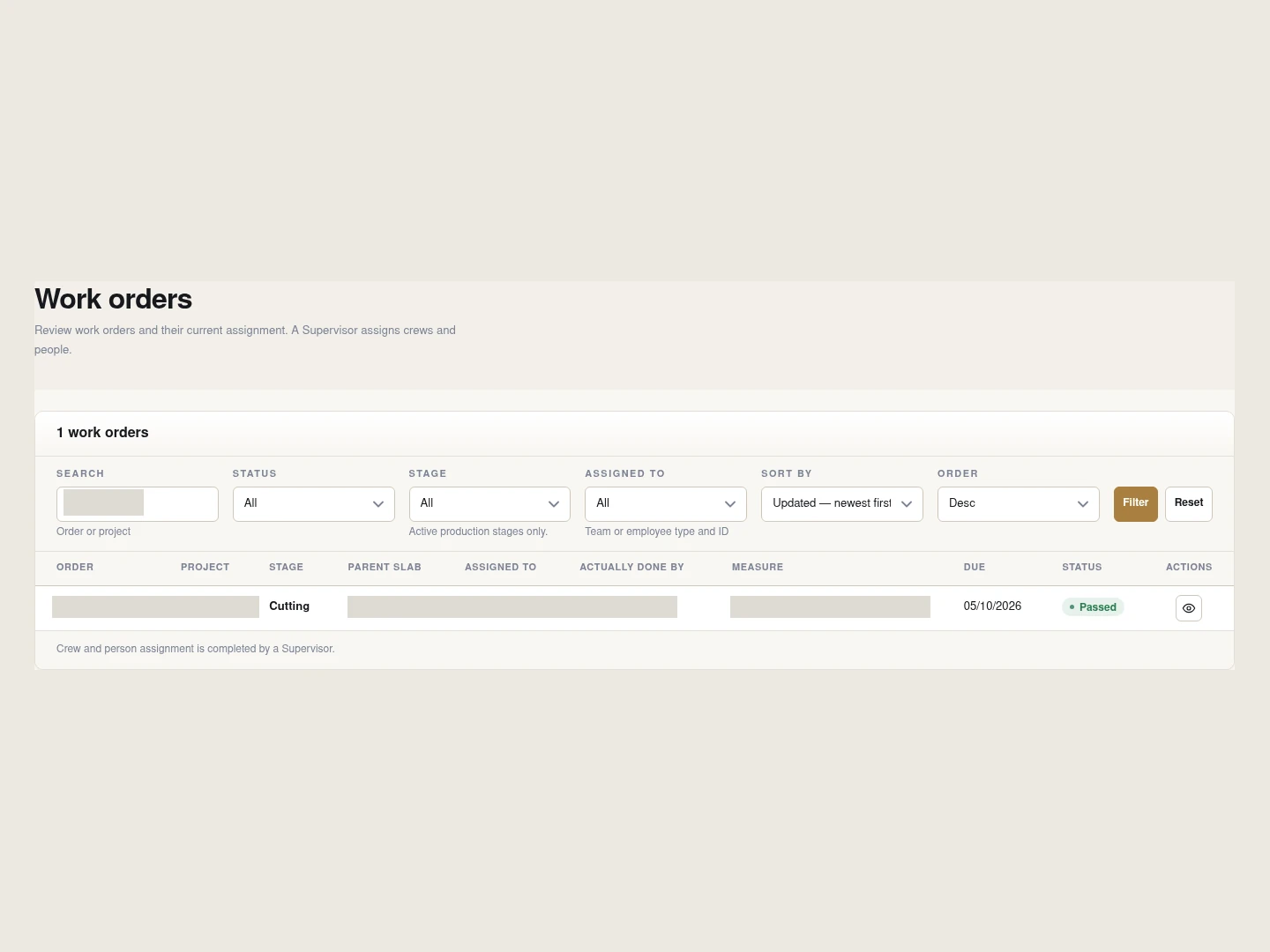
In the office and the workshop
Coordinators, accountants, supervisors and directors work in one workspace with a menu built from their roles. Lists, forms and documents follow the same rules for everyone.
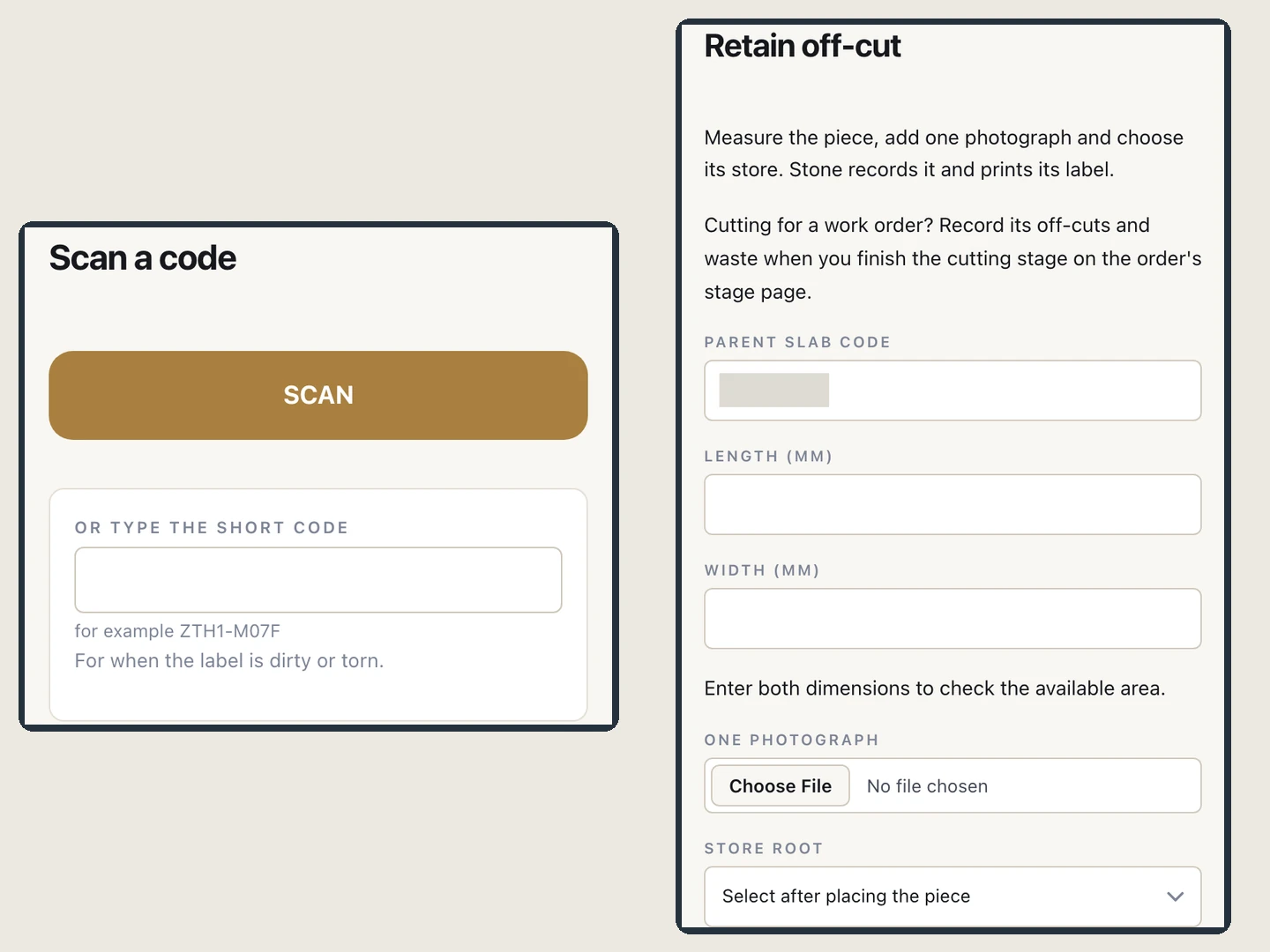
On the floor and on site
Workers, supervisors and storekeepers use the phone browser. Scan a label with a supported camera or type its code, start a stage, keep an off-cut, photograph an installation and take the customer's signature.
Who it is built for
The people who do the work need screens that fit their day. These cards show four roles and the product screens they use.
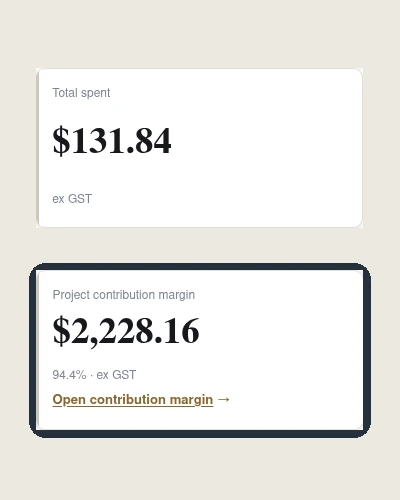
Sees job margin and debts, approves the measure that locks the make, and decides exceptions.
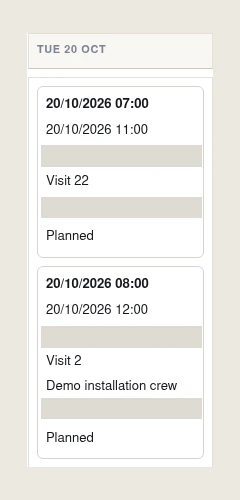
Runs customers, quotations, measures, installs and warranty from one menu, with a record of where each job is.
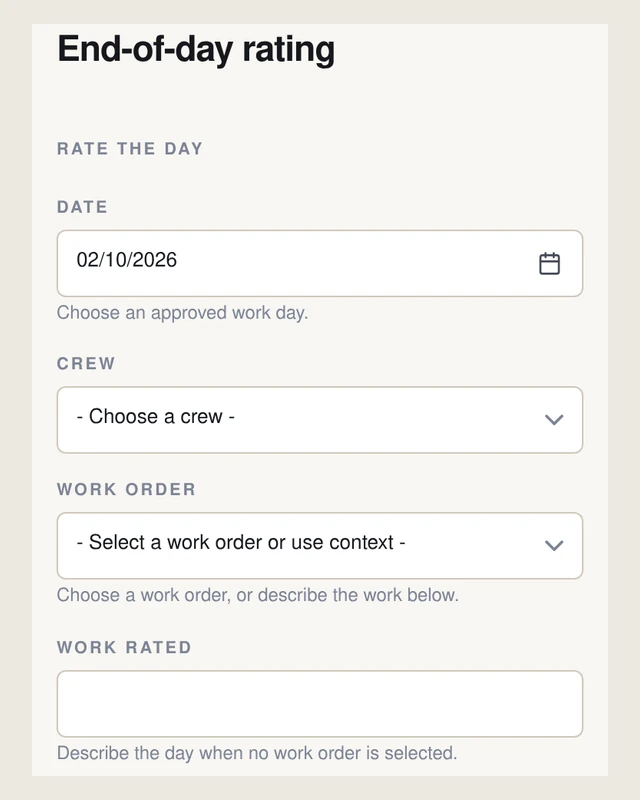
Allocates work to crews, checks work they did not do, records site delivery and installation, and confirms the day's hours and ratings.
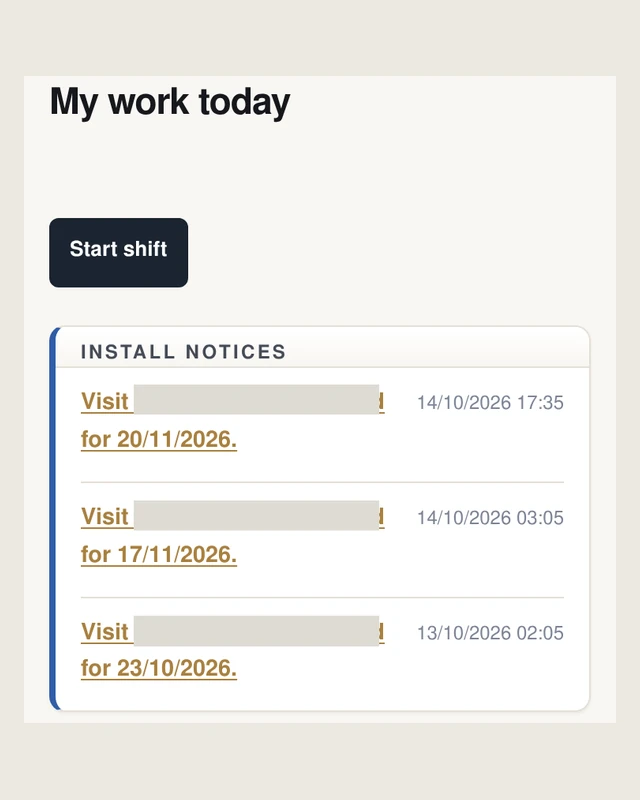
Sees assigned work on a phone, starts and finishes it, keeps the off-cut and takes the customer's signature.
See it running. Walk through sample jobs, stock and crews on a laptop and on your own phone. Product screens use demonstration records; trade photographs illustrate example work.
Contact us to arrange a walkthrough