Sign in and My work today

The first screens of the day

  • An account from the platform administrator
Worker

Sign in

Visitor

Sign in

1Step 1 of 3

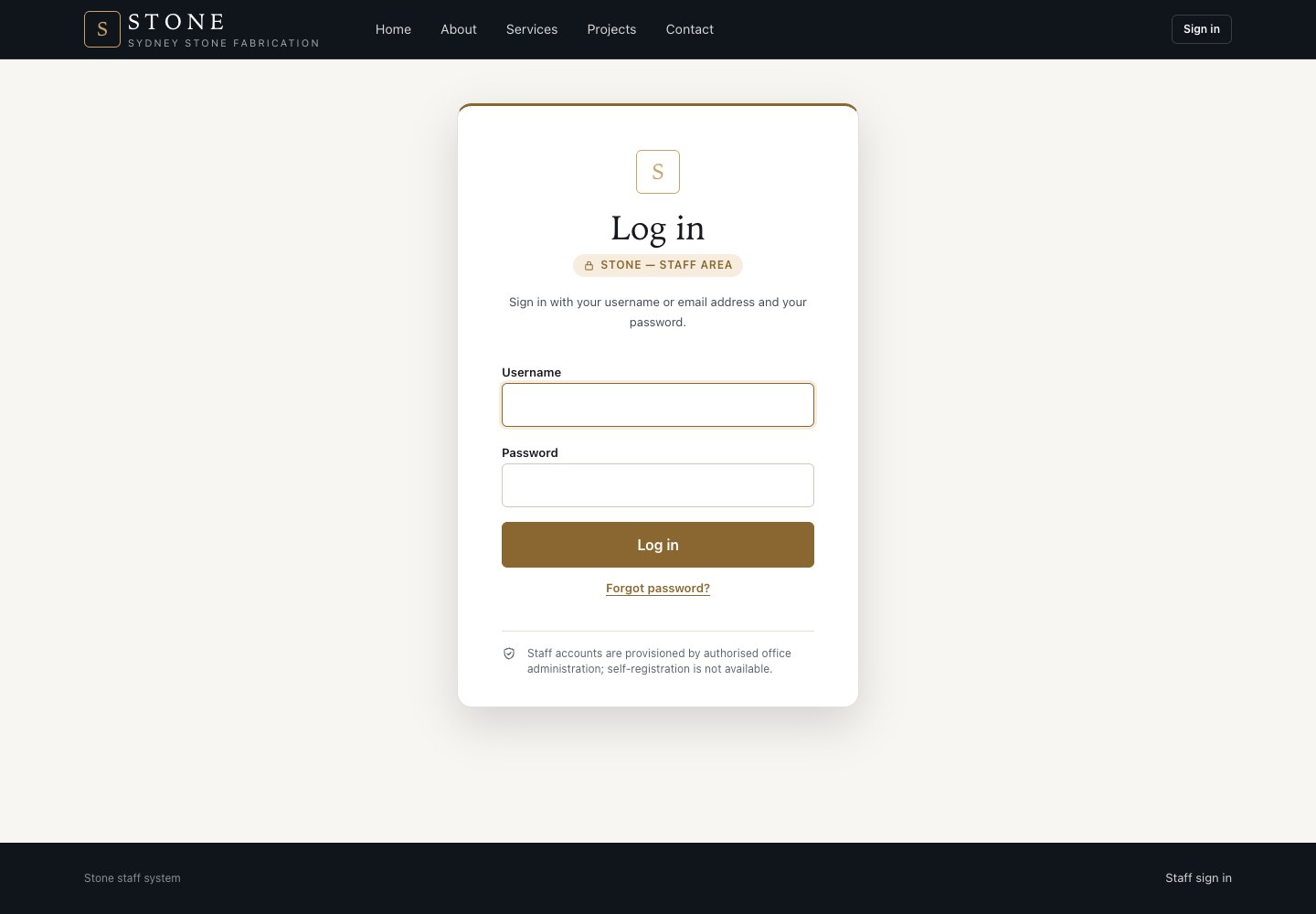
  1. Open the sign-in email and set your own password.
  2. Then sign in with your email and password.

Open in Stone ↗Full image ↗

Worker · Sign in and My work today01

My work today

Worker

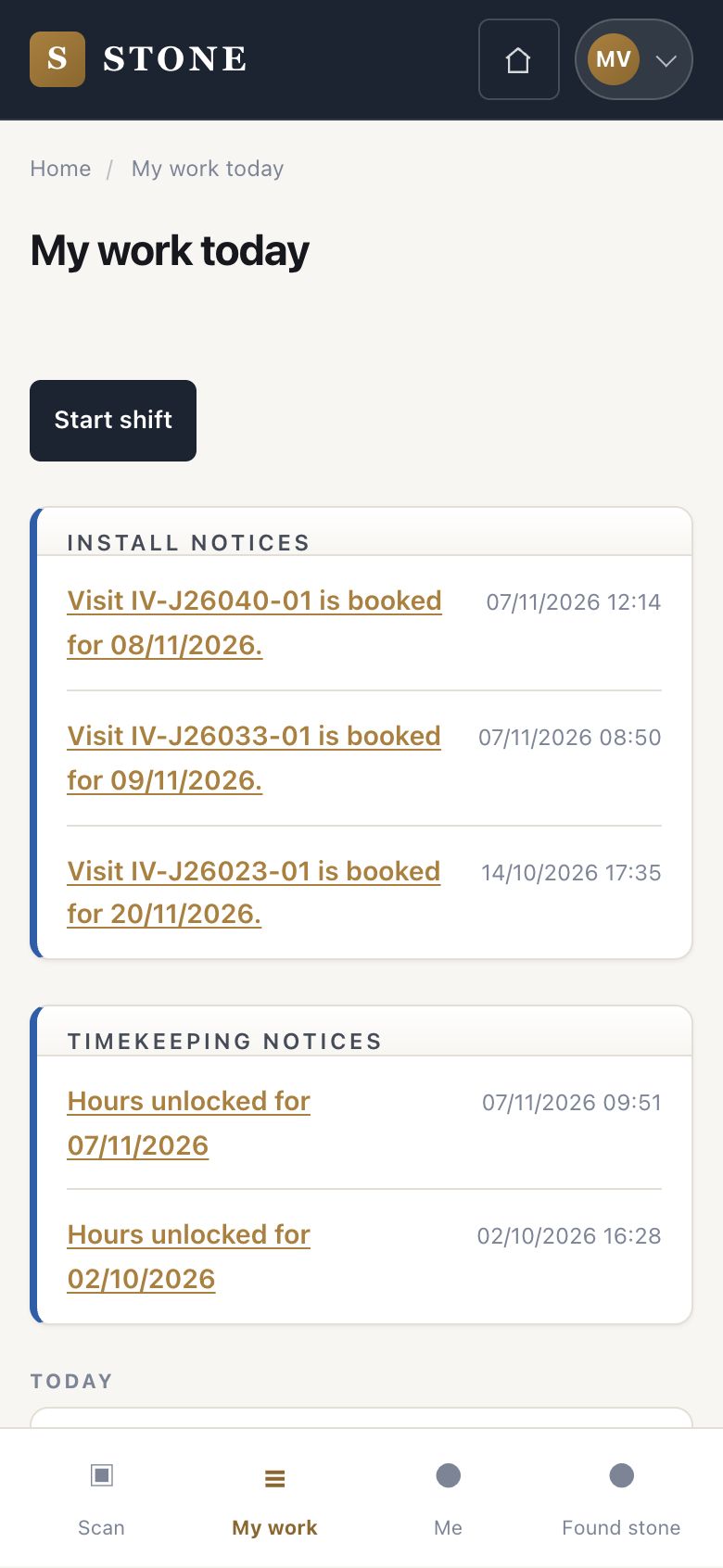
My work today

2Step 2 of 3

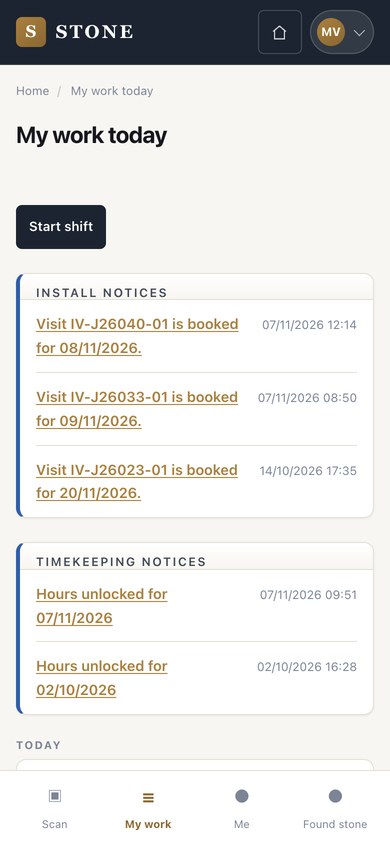
  1. On the phone, My work today lists your orders, install visits and notices.
  2. Press Start shift when the day begins.

Open in Stone ↗Full image ↗

Worker · Sign in and My work today02

My account

Director

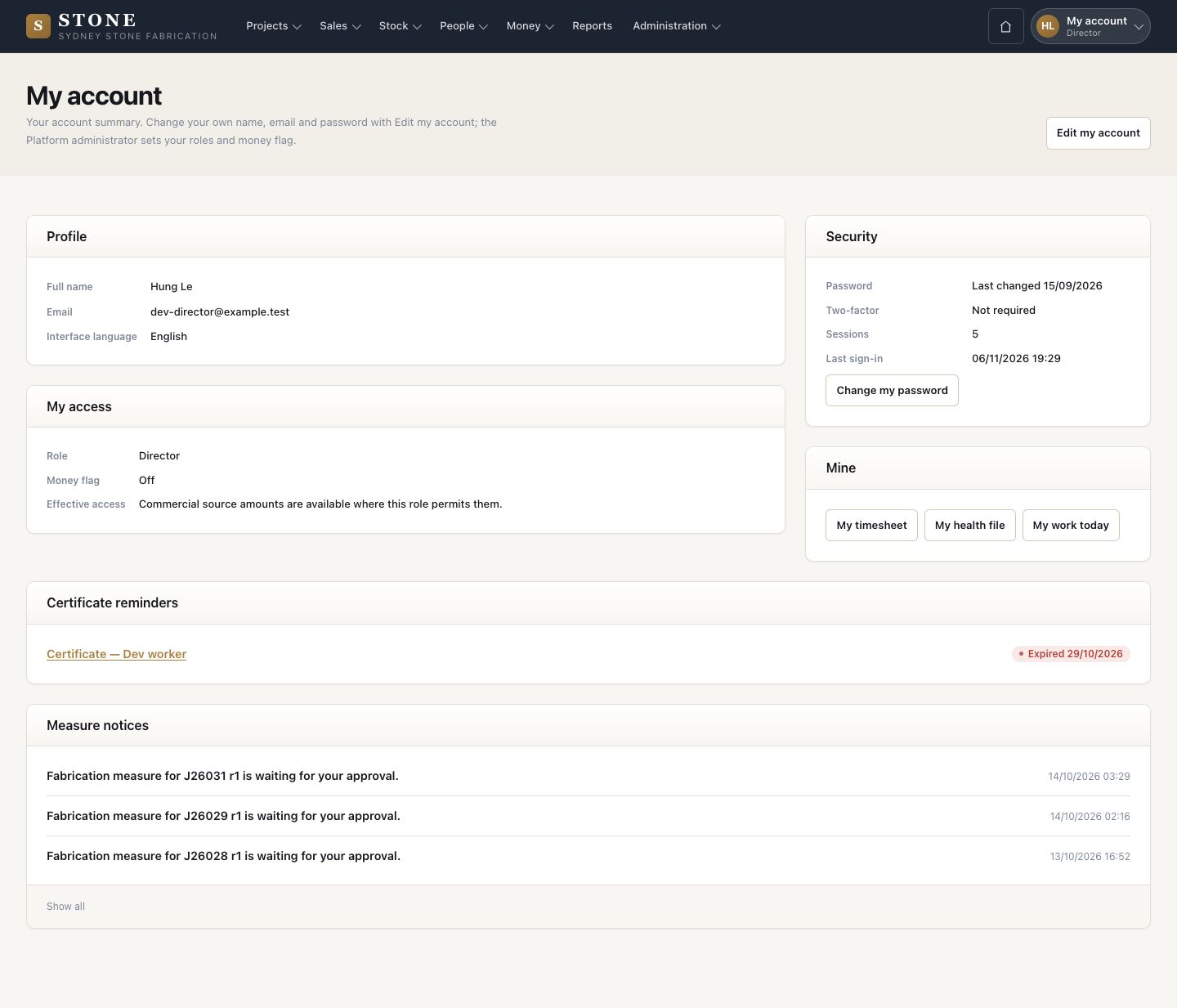
My account

3Step 3 of 3

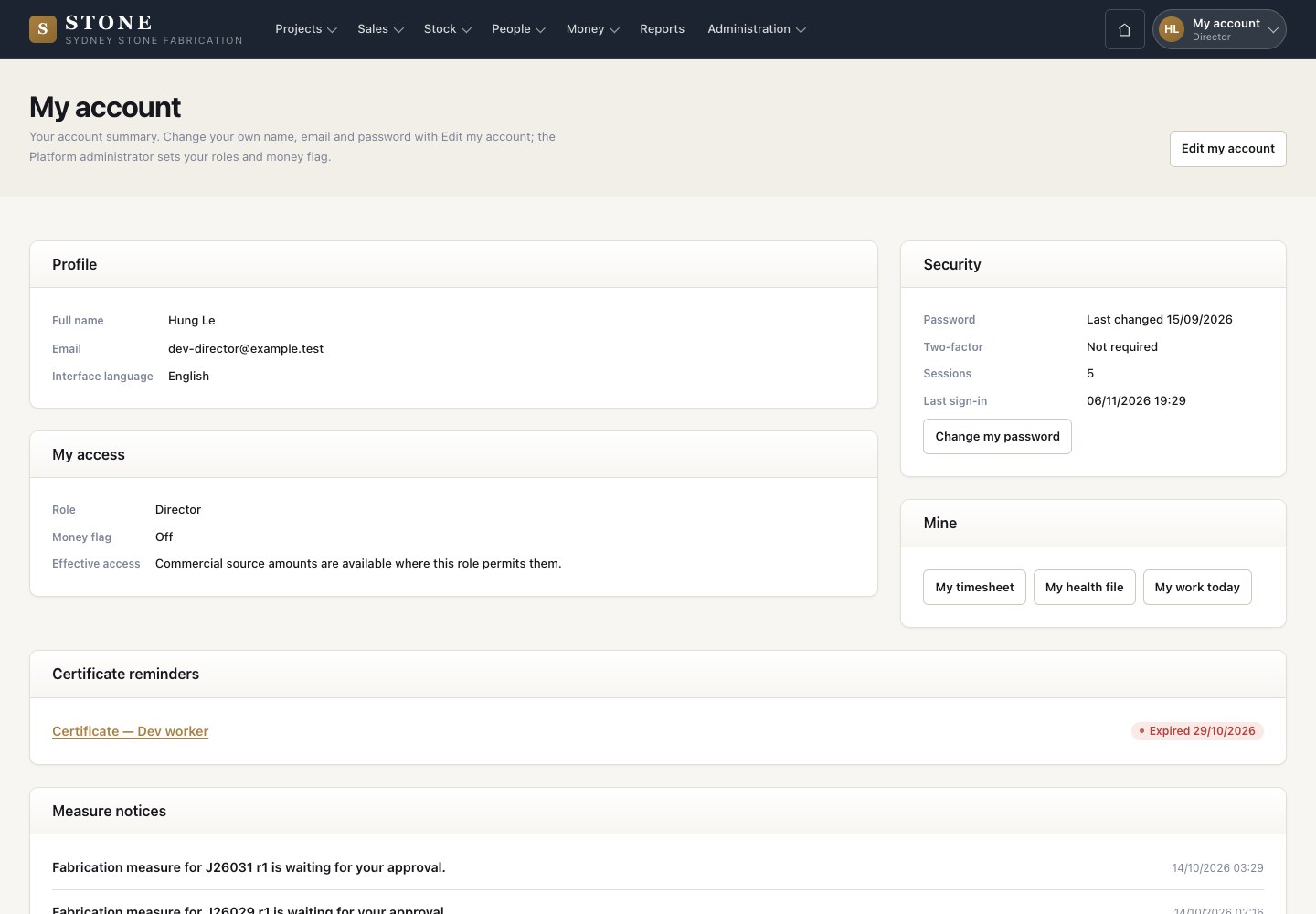
  1. In the office, My account at the top right shows your details, your access and your notices.

Enlarge, then scroll

Open in Stone ↗Full image ↗

Check

You are signed in, you know where your work and notices are, and your shift is started

Worker · Sign in and My work today03
1 / 4