Win the job

From enquiry to a won quote

  • A customer, or an enquiry from the website
  • Items in the Price library
Project coordinator
Read the enquiry

Project coordinator

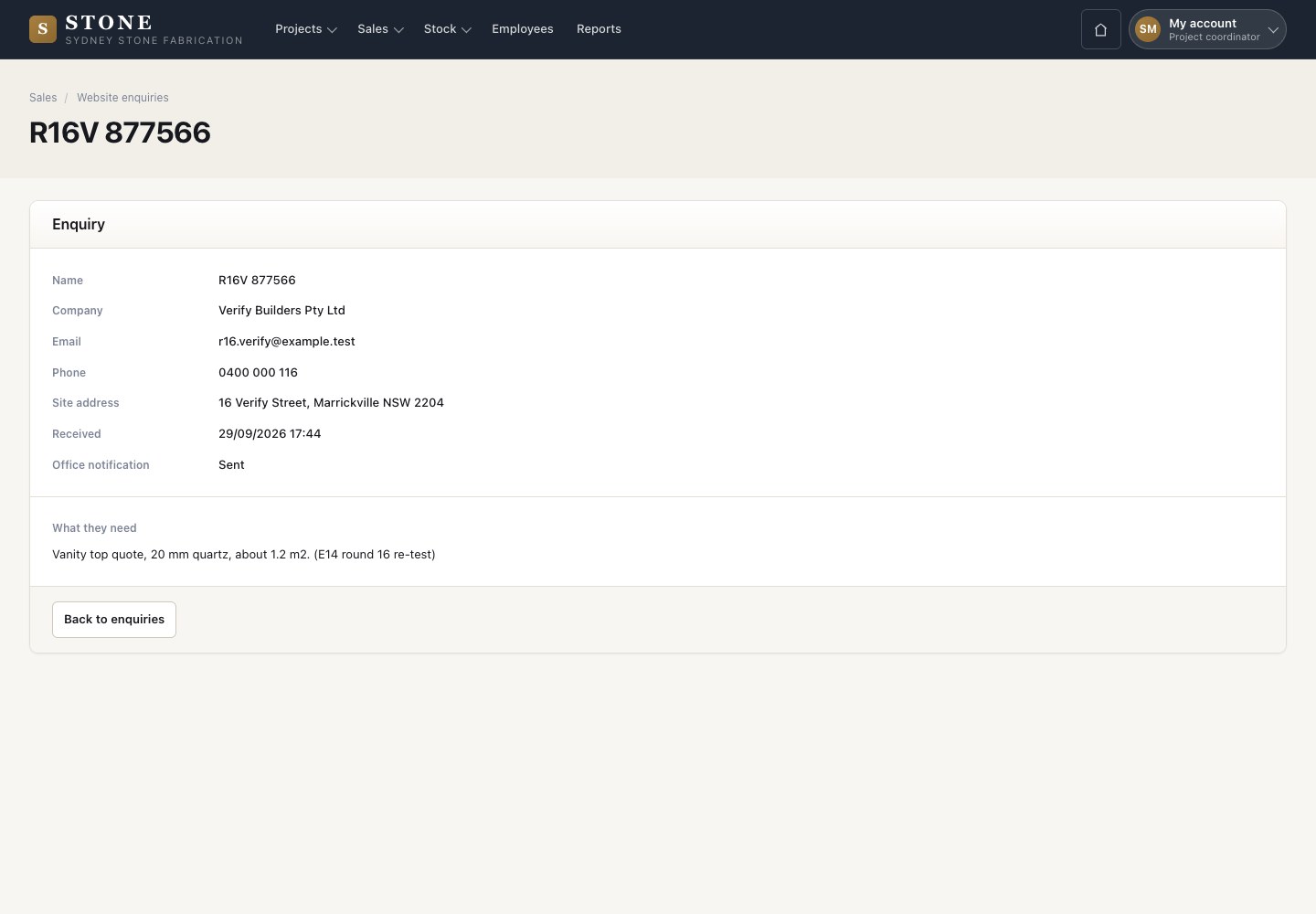
Read the enquiry

1Step 1 of 11

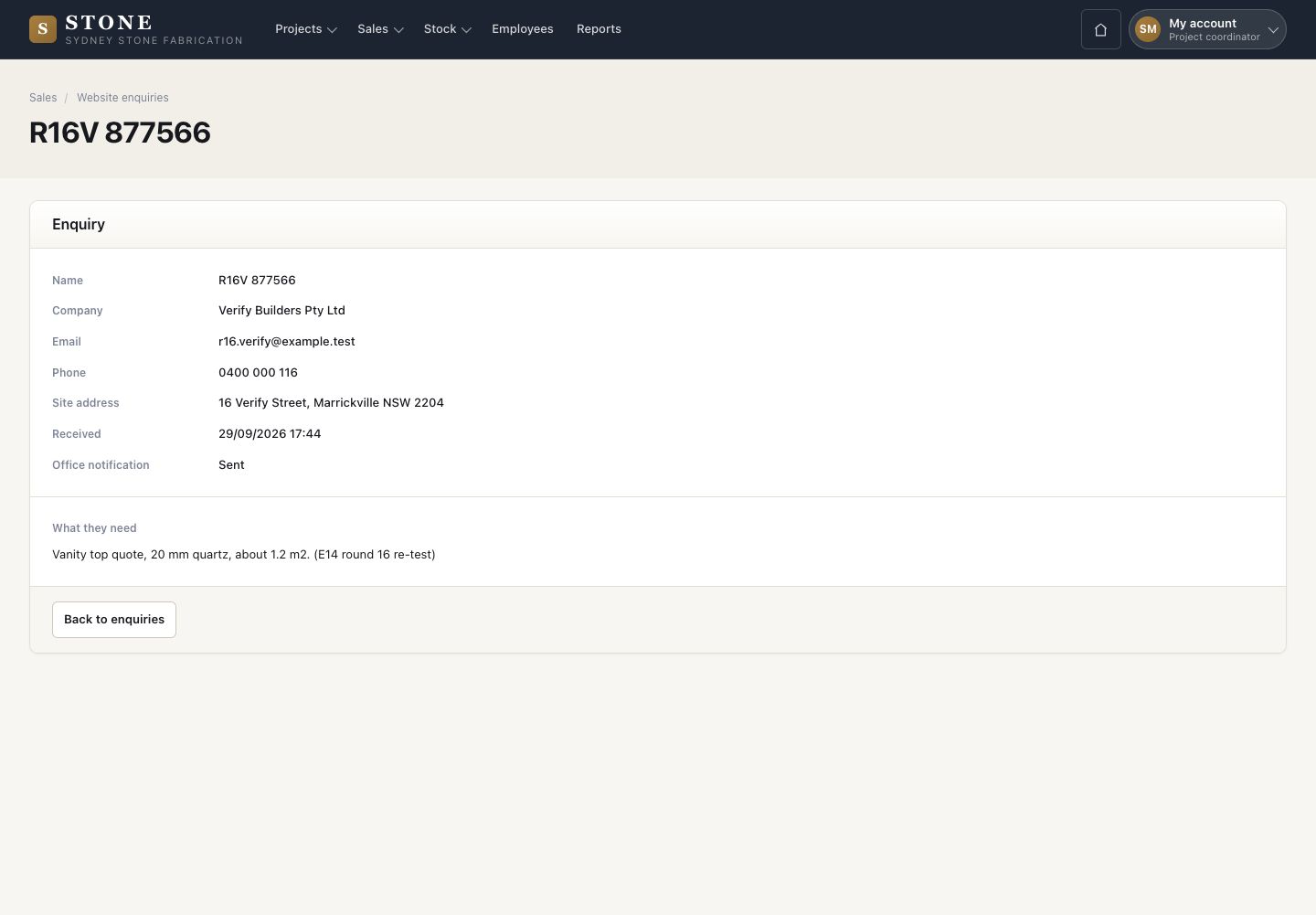
  1. Sales → Website enquiries, then View on a row.
  2. Read the name, company, email, phone, site address and what the visitor needs.

An enquiry never becomes a customer or a job by itself. Add them yourself.

Open in Stone ↗Full image ↗

Project coordinator · Win the job01

Add the customer

Project coordinator
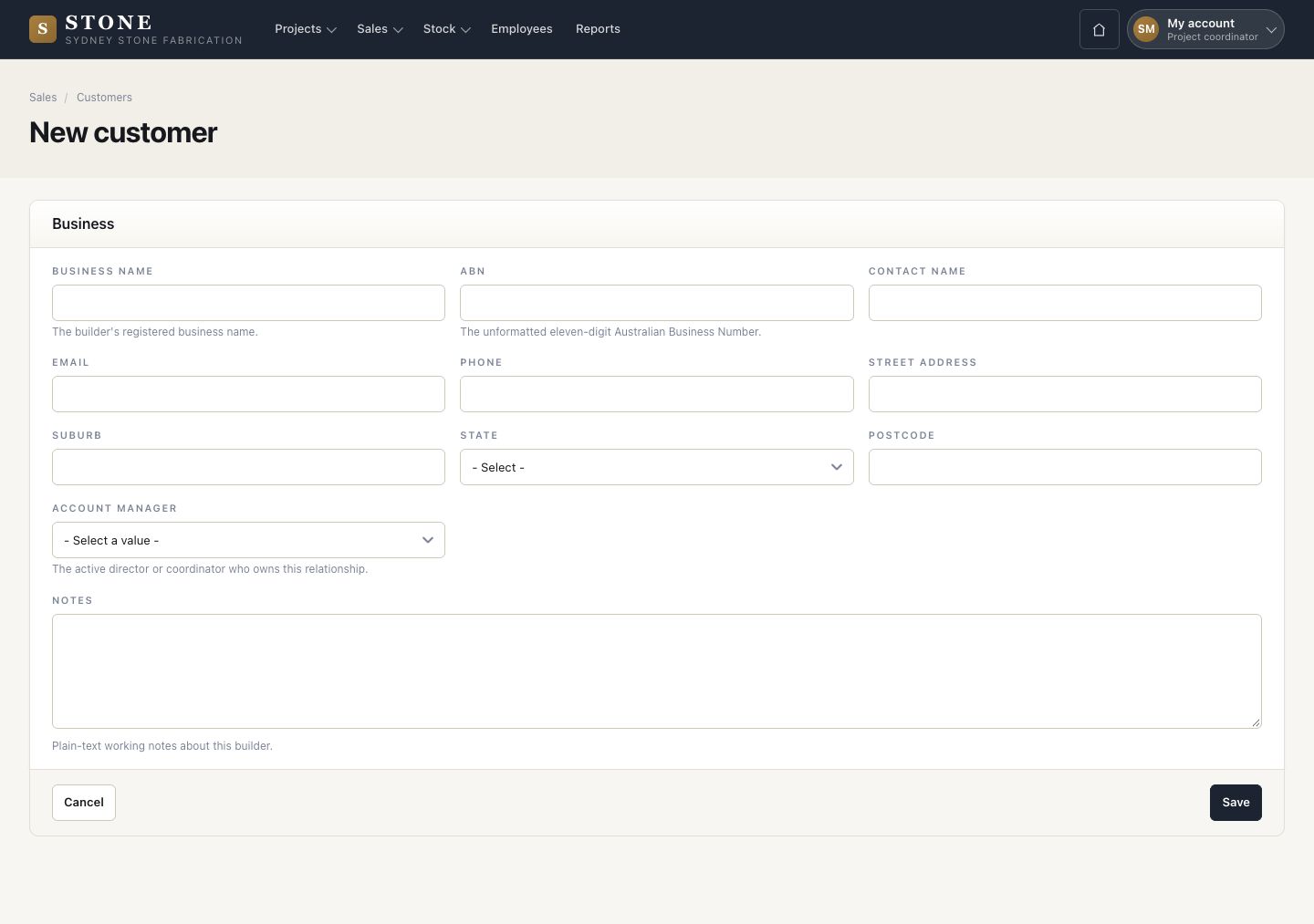
Add the customer

2Step 2 of 11

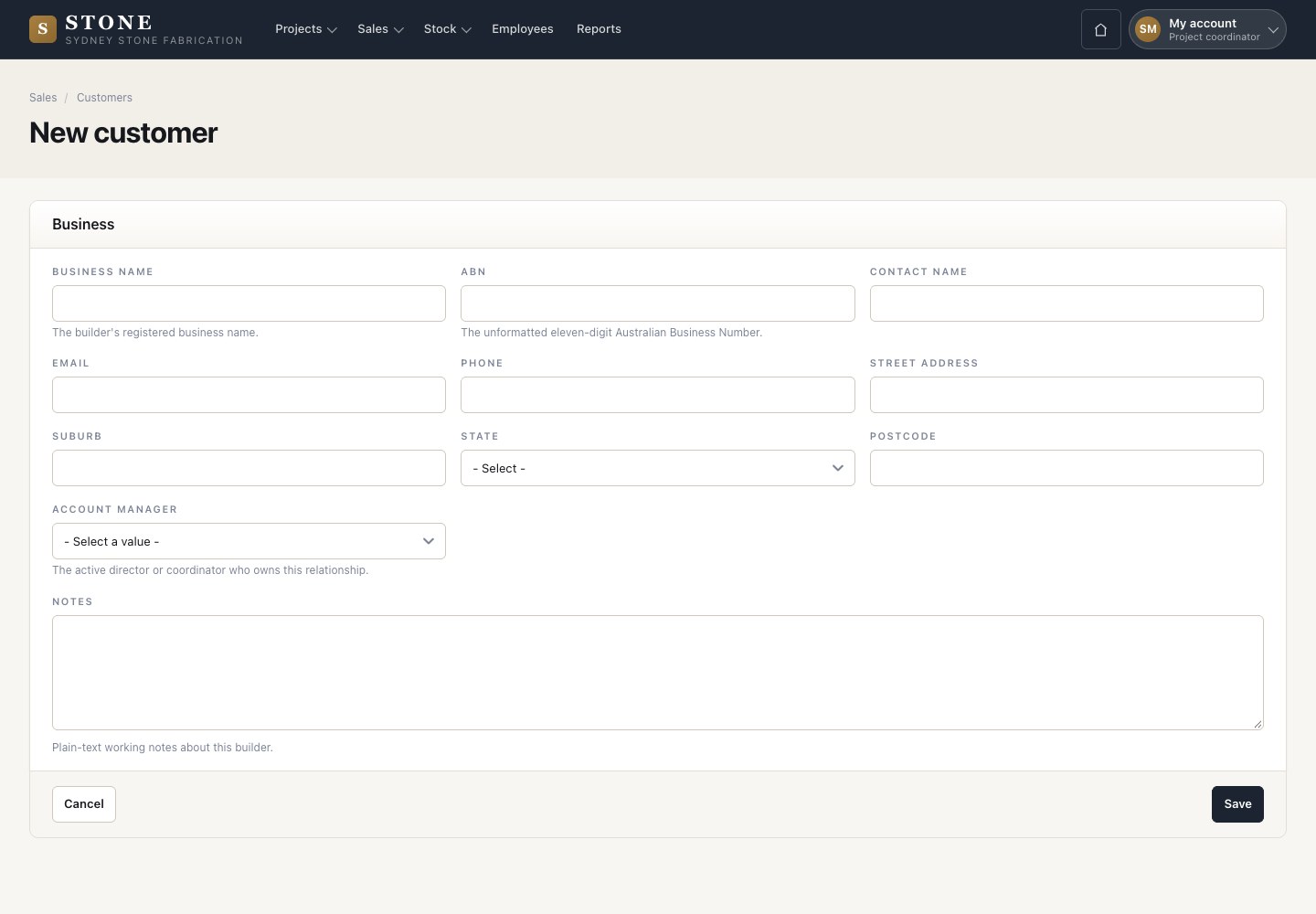
  1. Sales → Customers → New customer.
  2. Enter the business name and its ABN, the contact, the business address and the account manager.
  3. Save.

The ABN is the eleven-digit number without spaces. It must be valid and not used by another customer.

Enlarge, then scroll

Open in Stone ↗Full image ↗

Project coordinator · Win the job02

Payment terms

Director

Payment terms

3Step 3 of 11

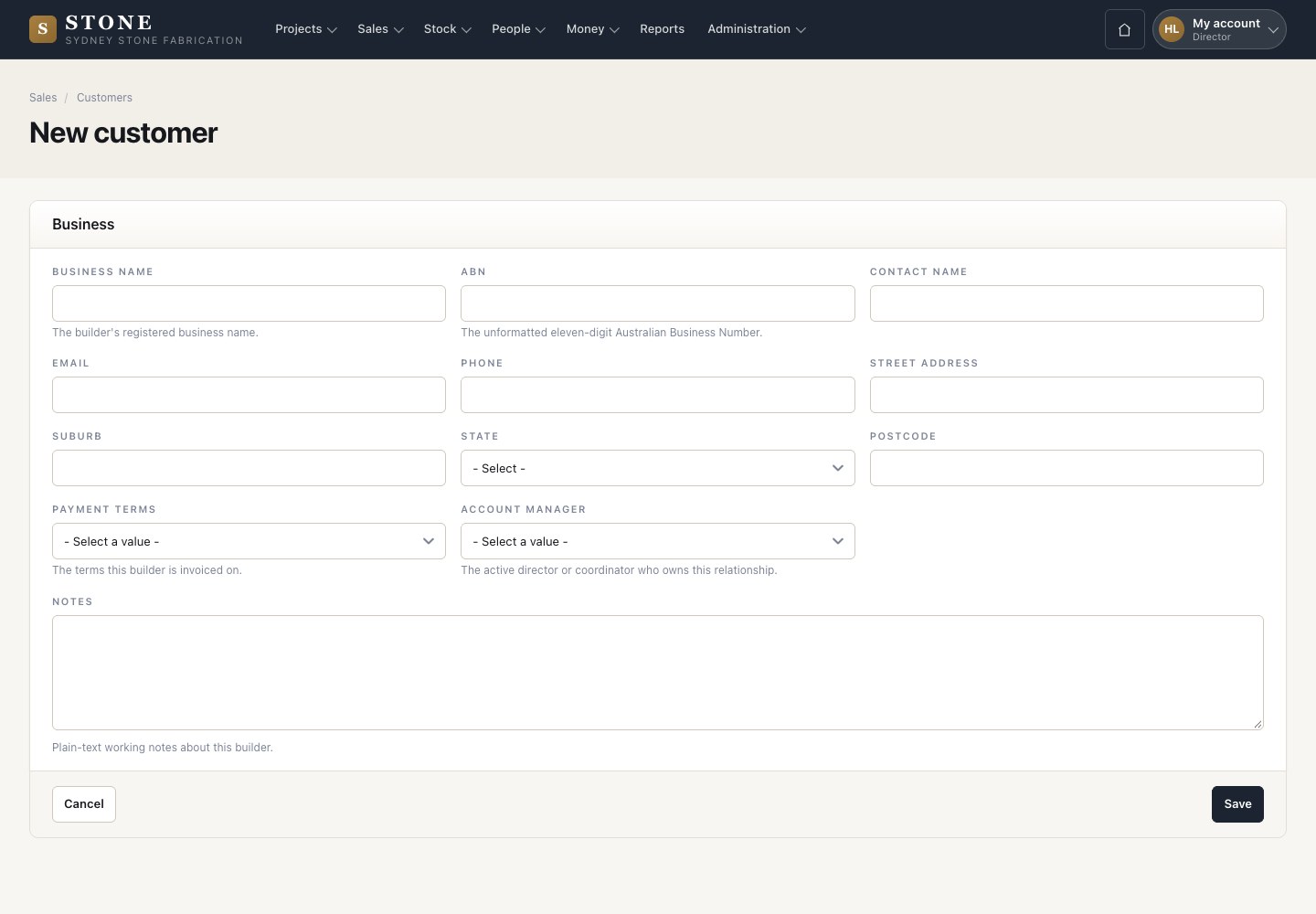
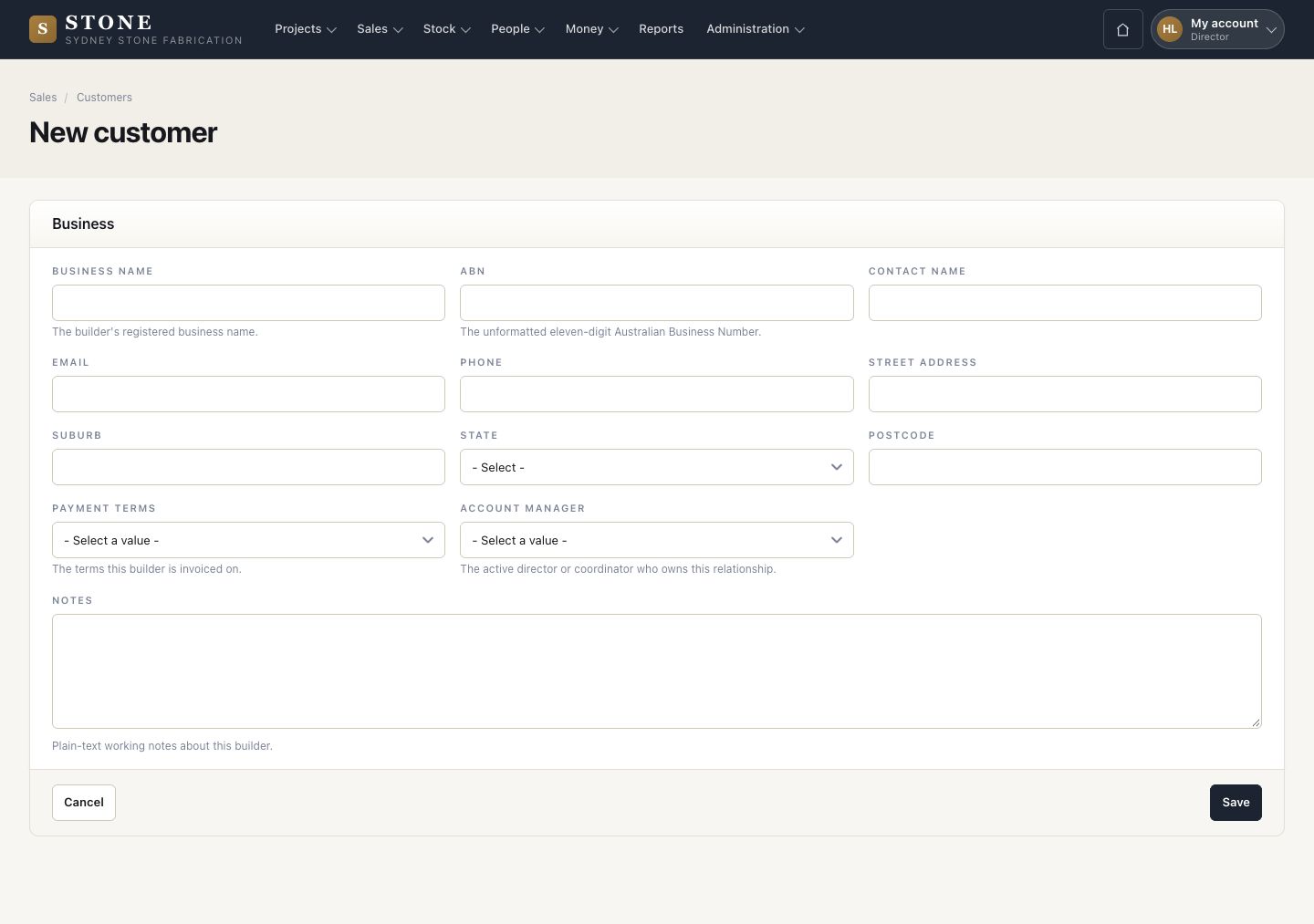
  1. A director sees one more field on the same form: Payment terms.
  2. Choose COD, 14, 30, 45 or 60 days.

Enlarge, then scroll

Open in Stone ↗Full image ↗

Project coordinator · Win the job03

Open the project

Project coordinator
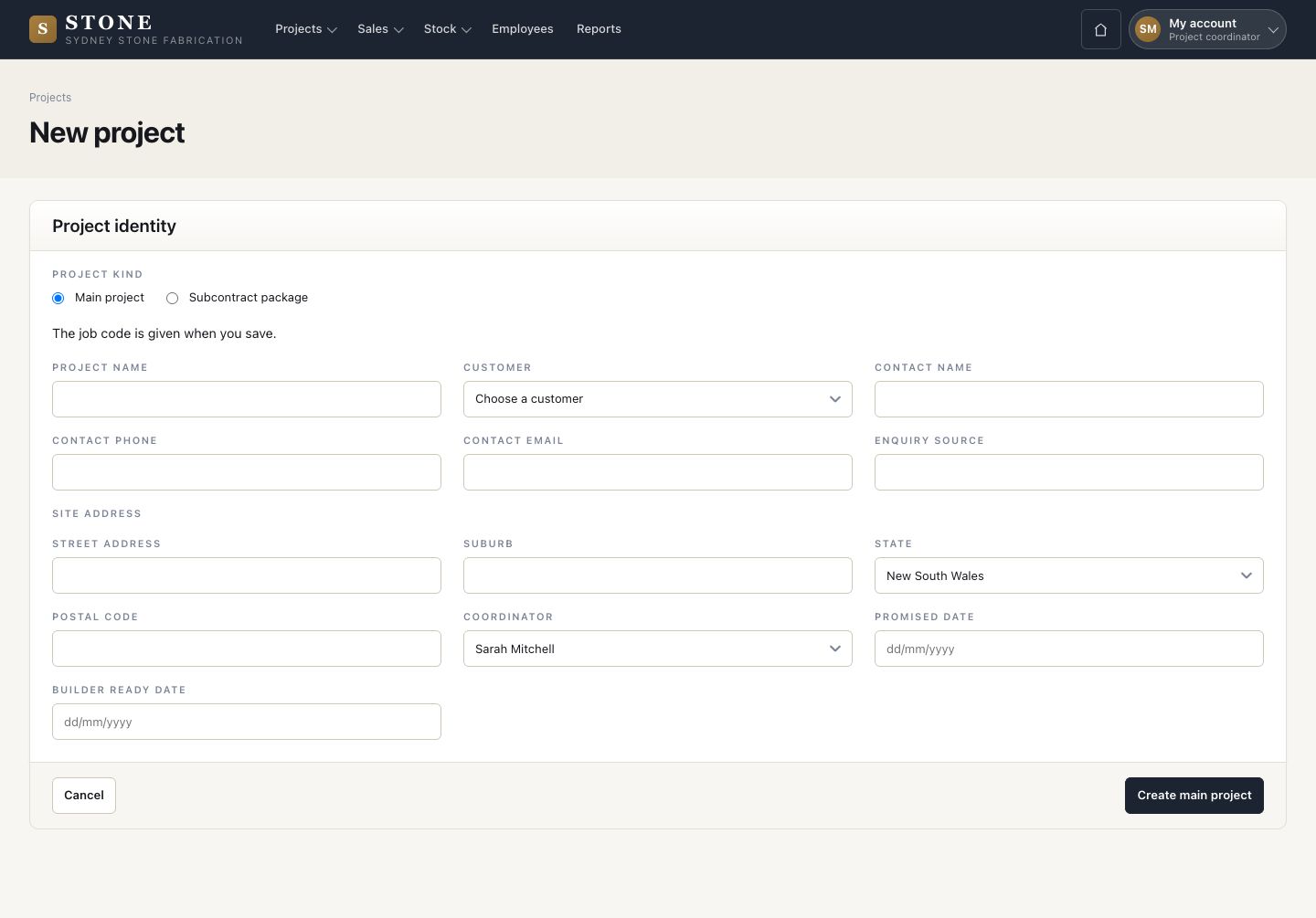
Open the project

4Step 4 of 11

  1. Projects → New project, Project kind Main project.
  2. Name the job, choose the customer, then the contact, the site address and the coordinator.
  3. Create main project. The job code is given when you save.

A job and a project are the same thing: Stone lists every job under Projects. Subcontract package is the other kind: see Subcontract packages.
Open in Stone ↗Full image ↗

Project coordinator · Win the job04

New quoting measure

Project coordinator

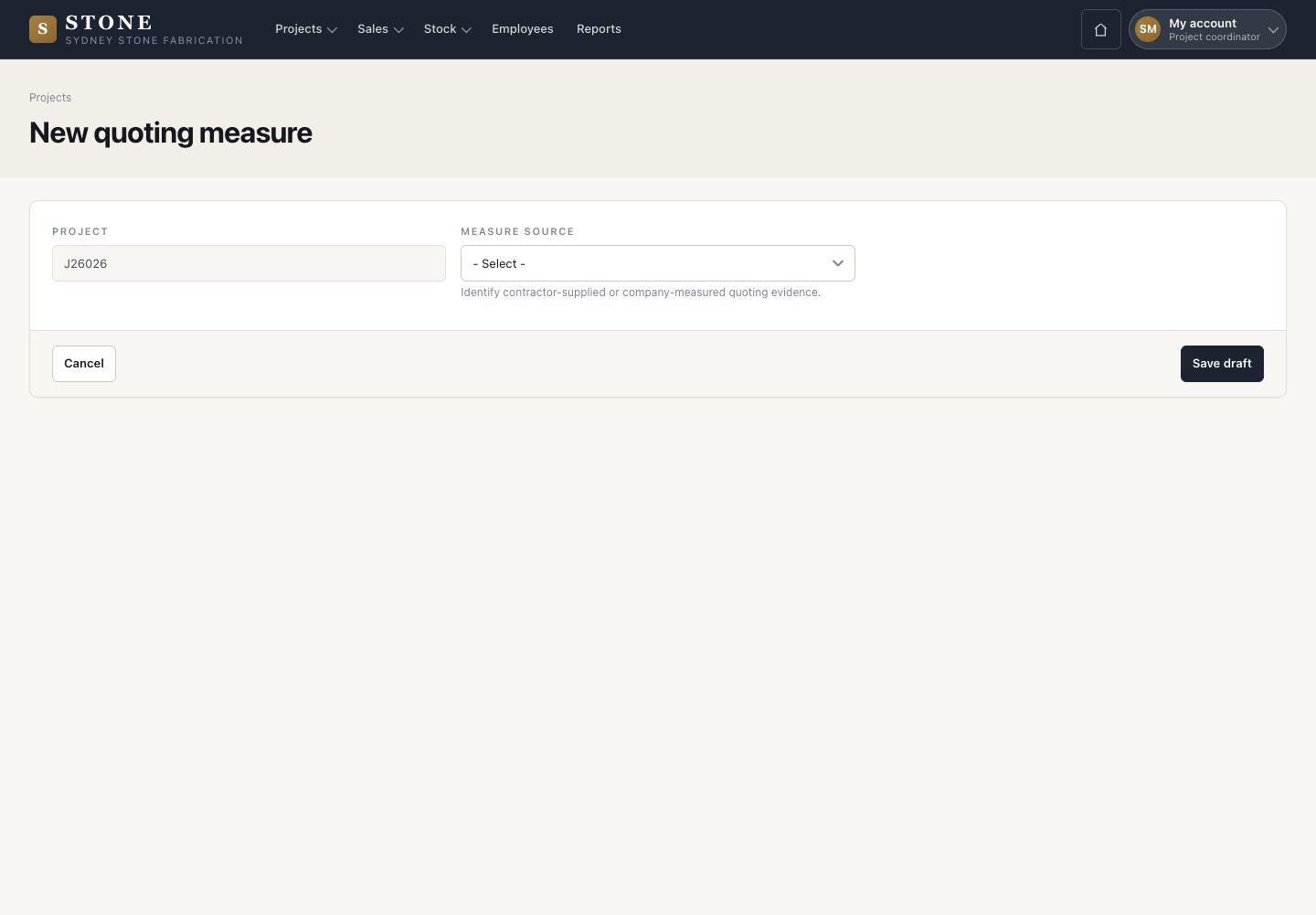
New quoting measure

5Step 5 of 11

  1. On the project, press New quoting measure.
  2. Choose the measure source: Contractor supplied or Company measured.
  3. Save draft, add each measured item, then finalise the sheet.

A final quoting measure is read-only: it is what the quote prices.

Open in Stone ↗Full image ↗

Project coordinator · Win the job05

Create the quote

Project coordinator

Create the quote

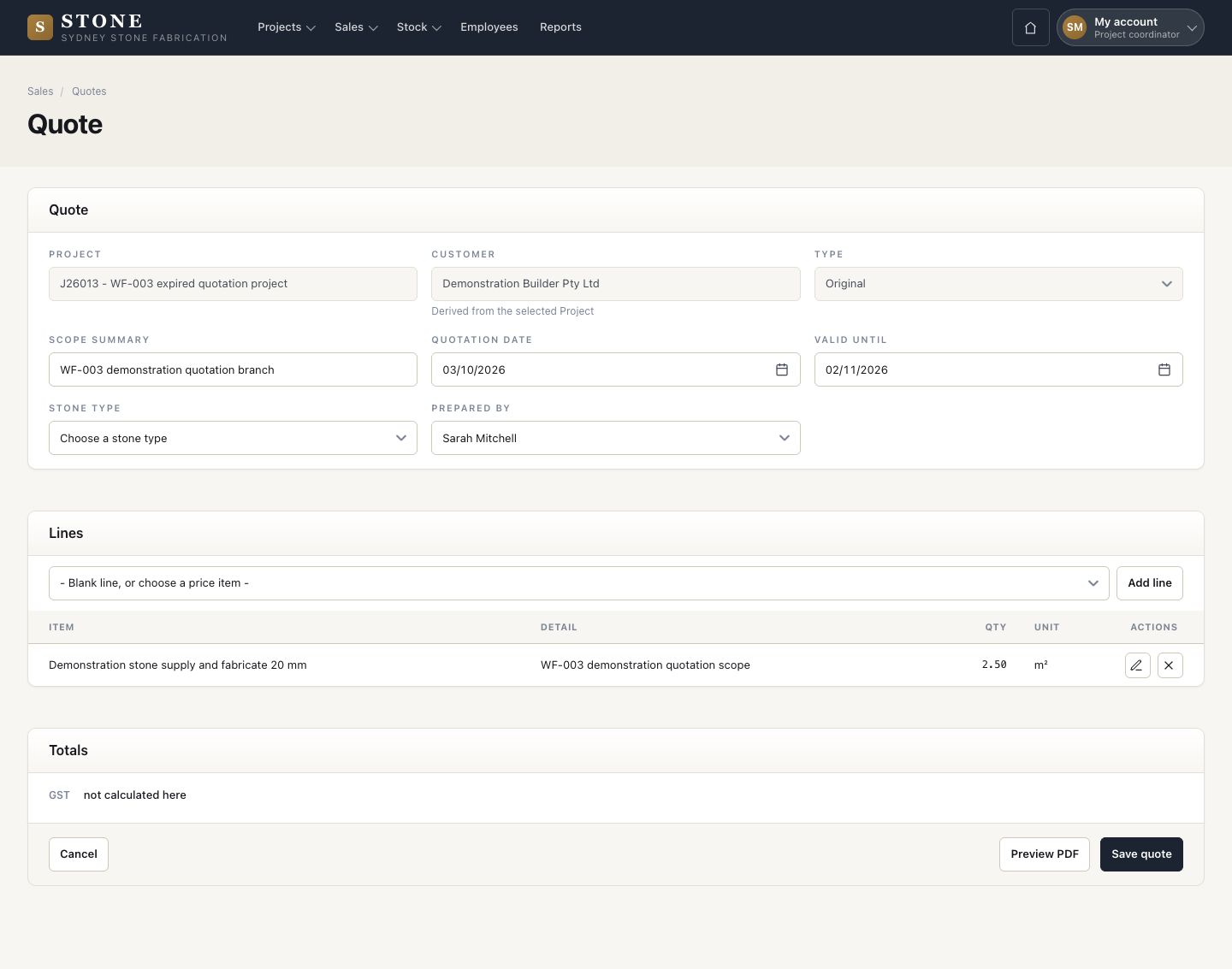
6Step 6 of 11

  1. Sales → Quotes → New quote: choose the project and keep Type Original.
  2. Enter the scope summary, the date, valid until, the stone type and who prepared it.
  3. Create quote.

A project is offered only when its customer is active and it has one final quoting measure.

Open in Stone ↗Full image ↗

Project coordinator · Win the job06

Add the lines

Project coordinator

Add the lines

7Step 7 of 11

  1. Choose a Price library item and press Add line.
  2. Enter the quantity and choose the Measured item this line prices. While the quote is a draft, you can Edit or Remove a line.
  3. Save quote.

Each line names a measured item or a new scope, never both.

Enlarge, then scroll

Open in Stone ↗Full image ↗

Project coordinator · Win the job07

Preview the PDF

Project coordinator

Preview the PDF

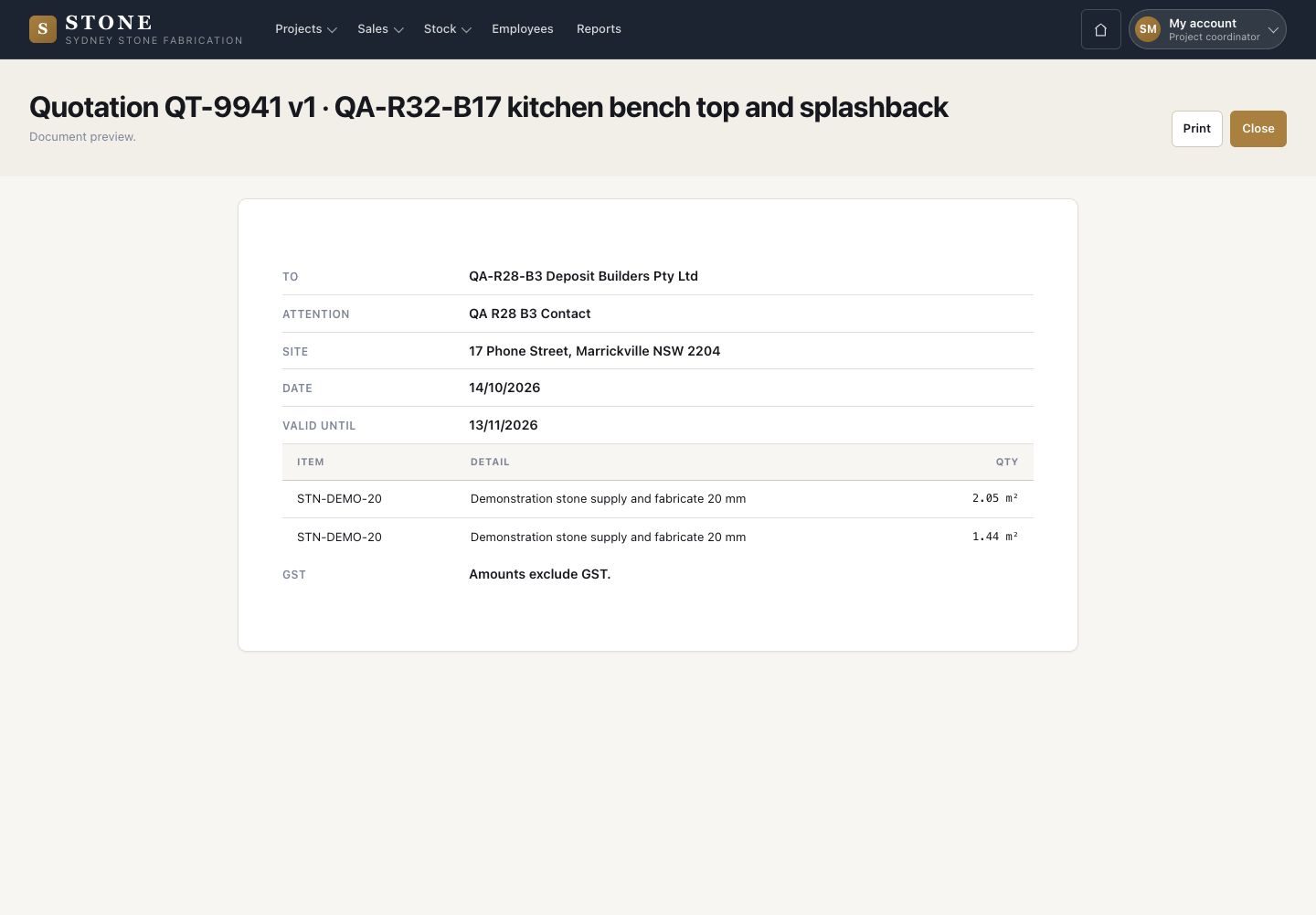
8Step 8 of 11

  1. Preview PDF shows the quotation: the customer, who it is for, the site, the date, valid until and the lines.
  2. Amounts exclude GST.

Without May see money, the preview leaves out the rates and the total ex GST.

Open in Stone ↗Full image ↗

Project coordinator · Win the job08

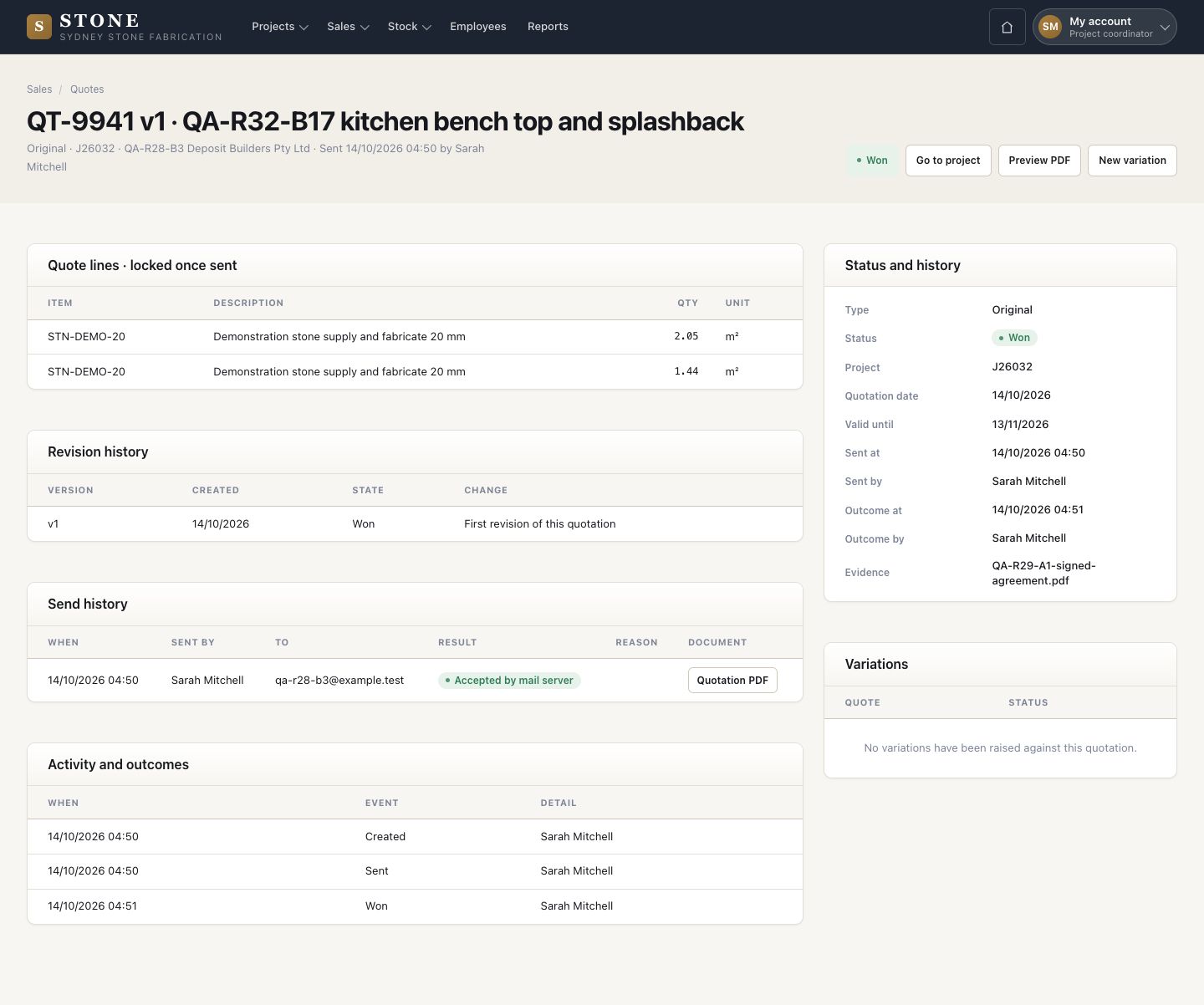
Send, then the answer

Project coordinator
Send, then the answer

9Step 9 of 11

  1. Send quotation to the contact: the PDF goes by email and the quote lines lock.
  2. Send history records when, who, to whom and the result.
  3. Record the answer: Won with the signed acceptance; Lost, Expired or Cancelled with a reason and evidence.

Enlarge, then scroll

Open in Stone ↗Full image ↗

Project coordinator · Win the job09

The job moves on

Project coordinator

The job moves on

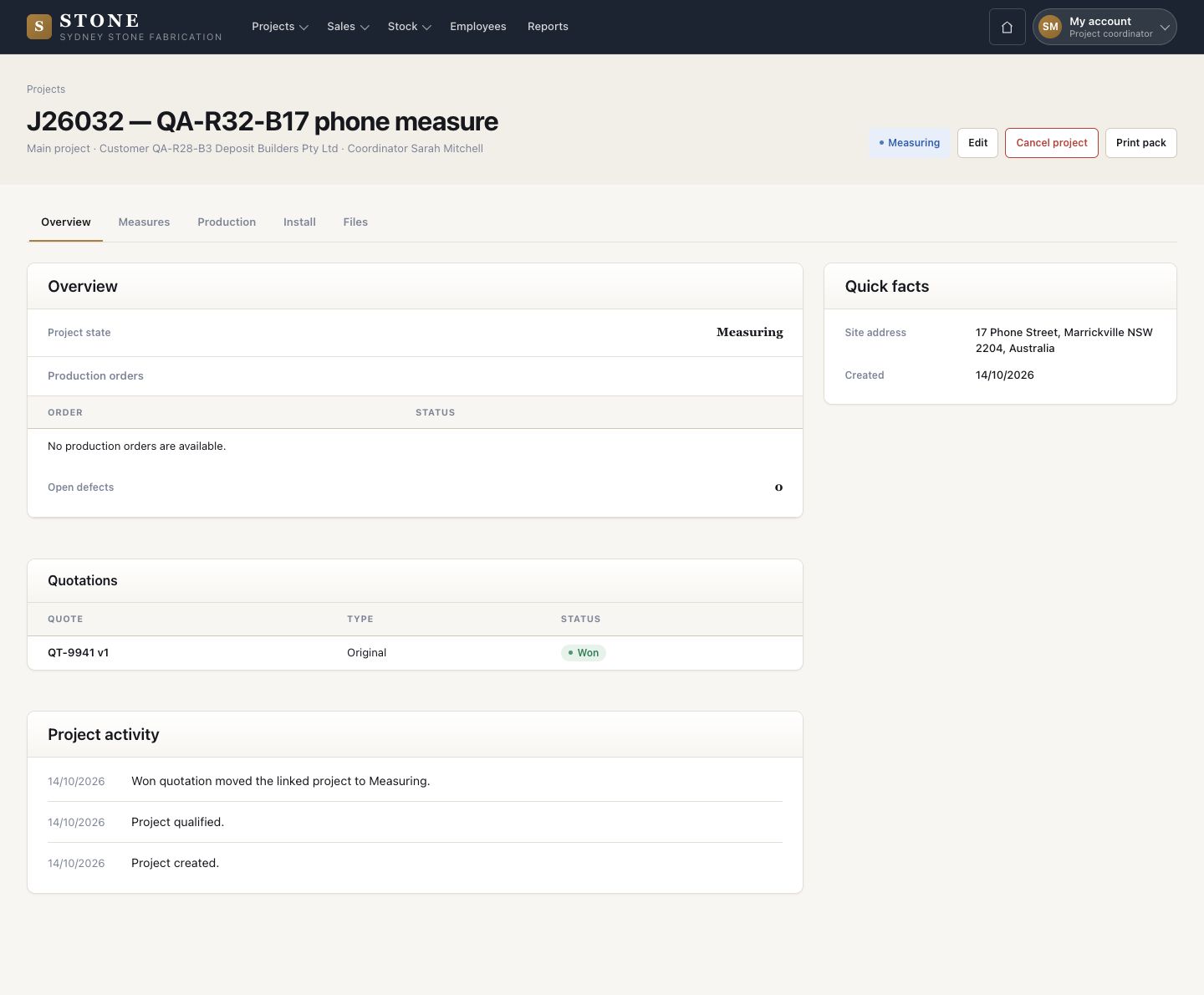
10Step 10 of 11

  1. A Won quote moves the job to Measuring, and the project activity says so.
  2. Measures is the next tab to work in.
  3. A job that stops: press Cancel project on the project and give the reason.

Enlarge, then scroll

Open in Stone ↗Full image ↗

Project coordinator · Win the job10

Deposit claim notice

Accountant

Deposit claim notice

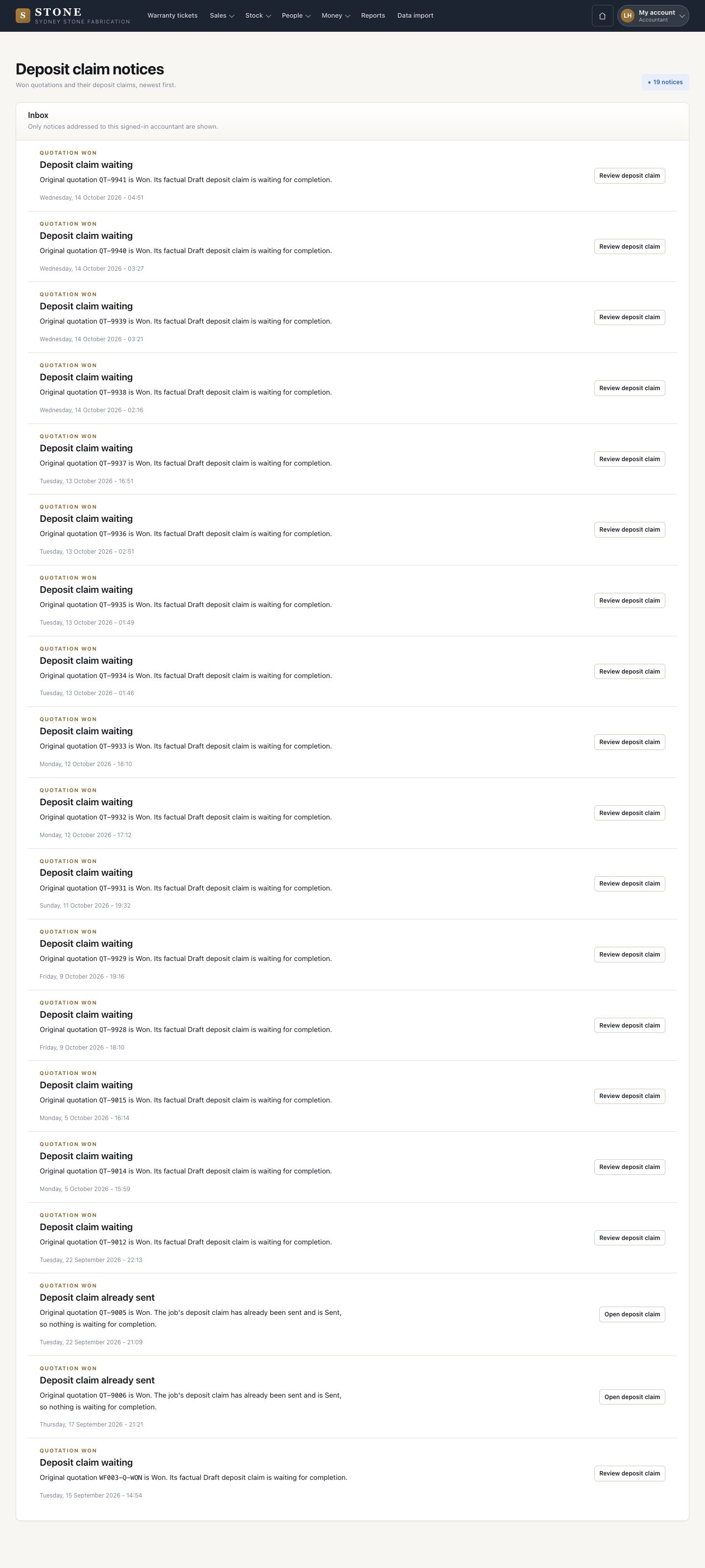
11Step 11 of 11

  1. The accountant finds Deposit claim waiting under Deposit claim notices.
  2. Review deposit claim opens the draft claim.

Enlarge, then scroll

Open in Stone ↗Full image ↗

Check

The quote is Won, the job is at Measuring and a draft deposit claim waits for the accountant

Project coordinator · Win the job11
1 / 12