
Cut a work order
On the phone
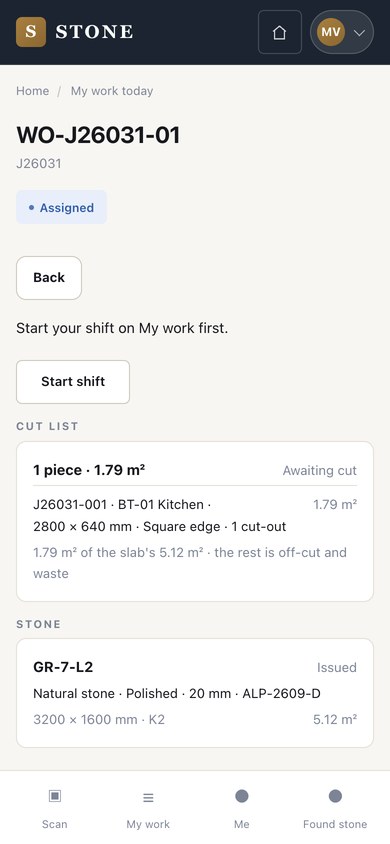
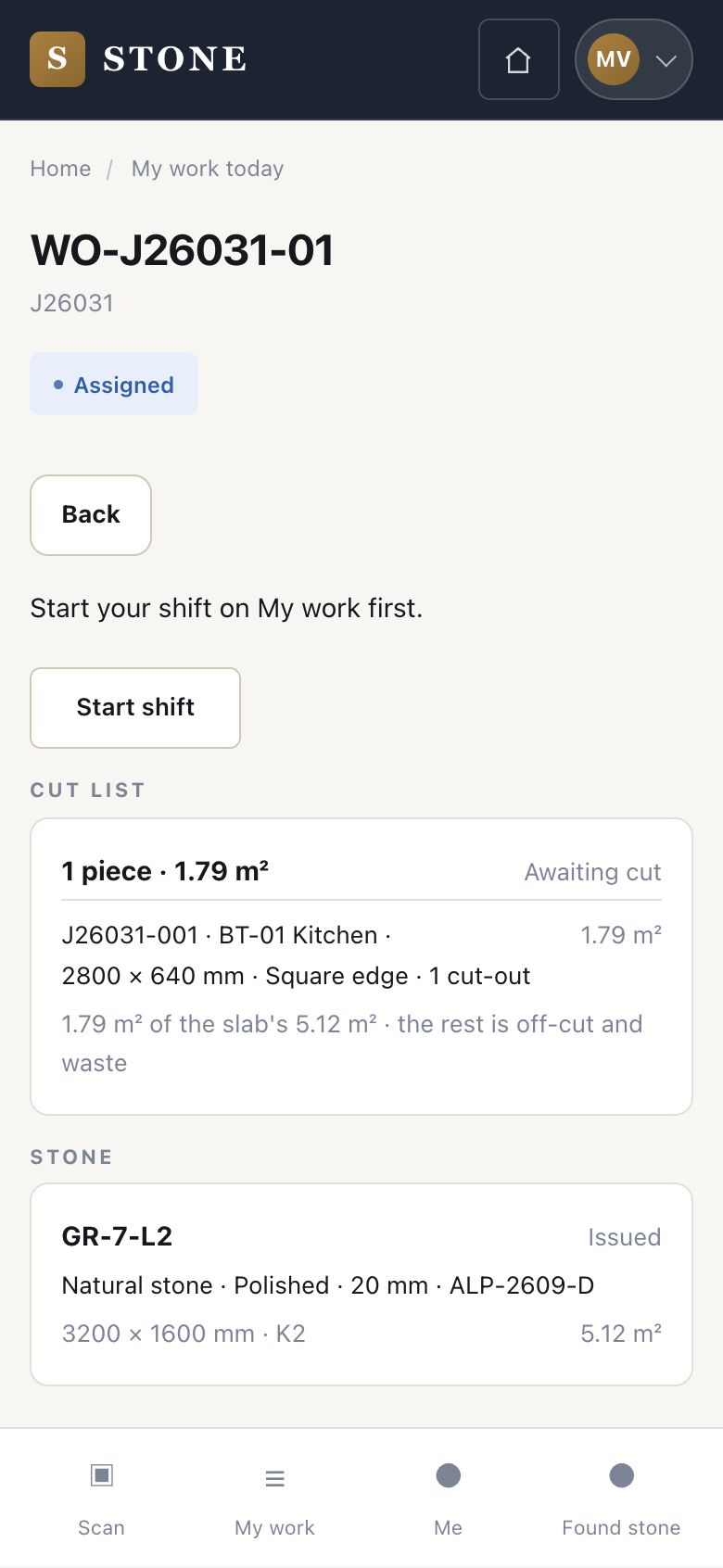
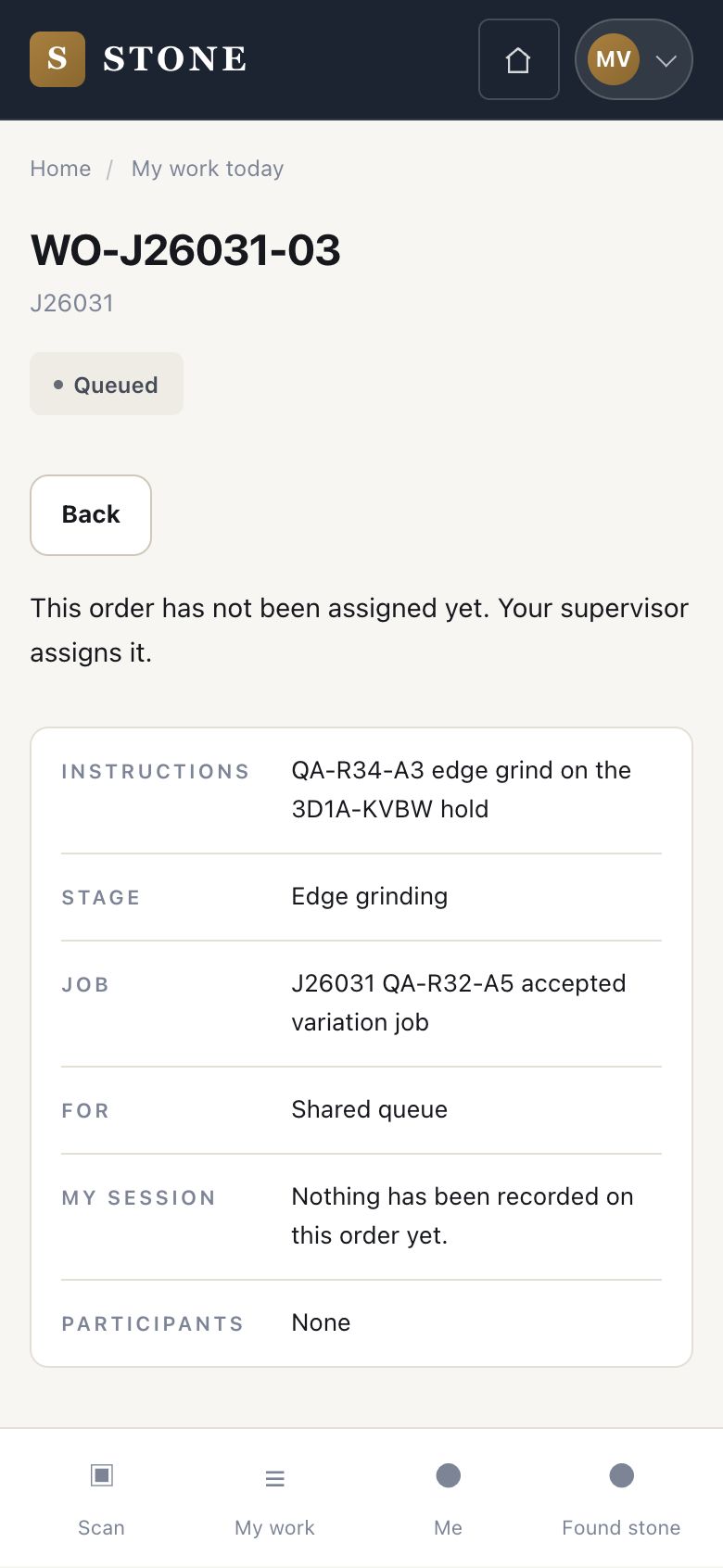
- A work order assigned to you
- The slab issued to the order
Worker
Finish and post the cut
Worker
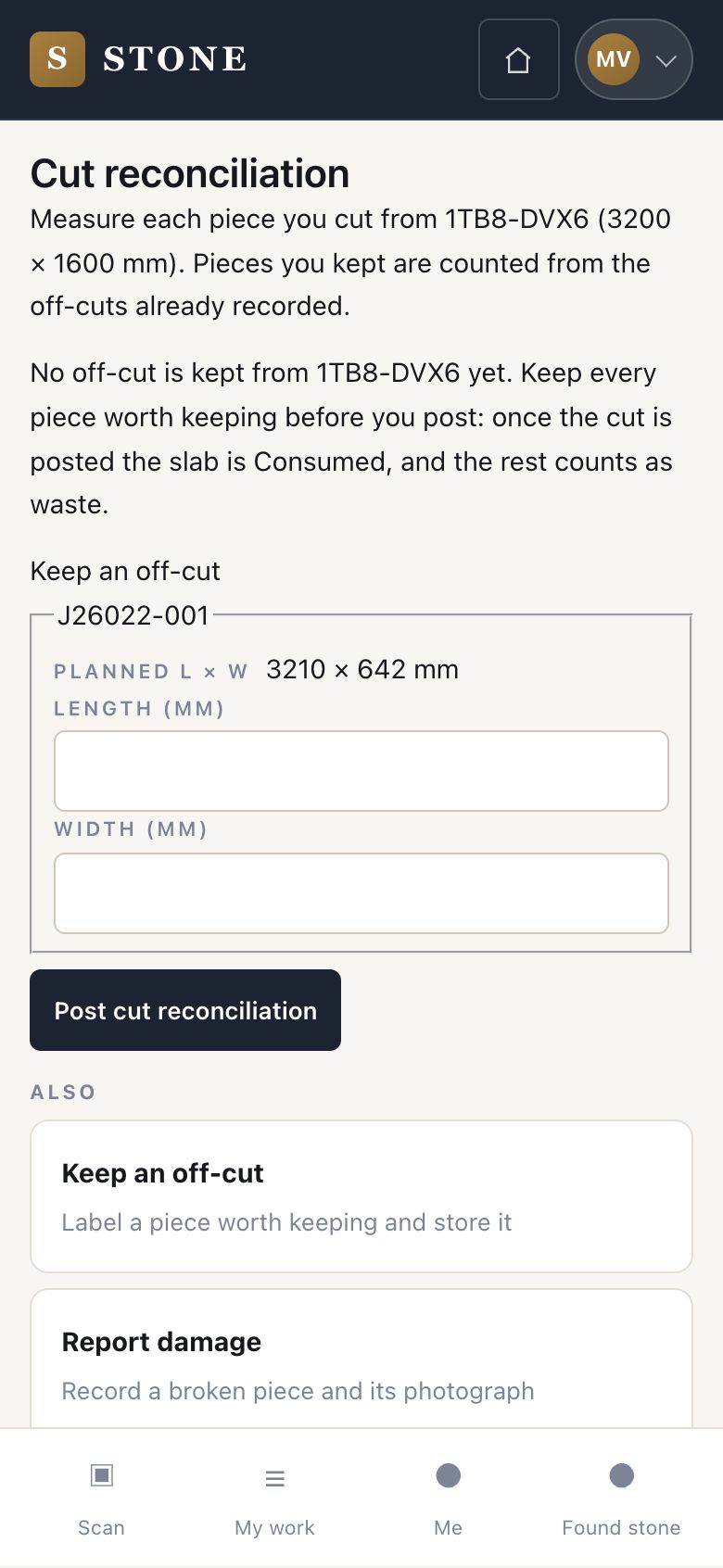
6Step 6 of 7
- When the cut is done, press Finish. Your session on this order is recorded.
- The order then shows Cut reconciliation. Enter the length and width you actually cut for each piece, then press Post cut reconciliation.
- Once quality passes, the order is settled and cannot be changed.
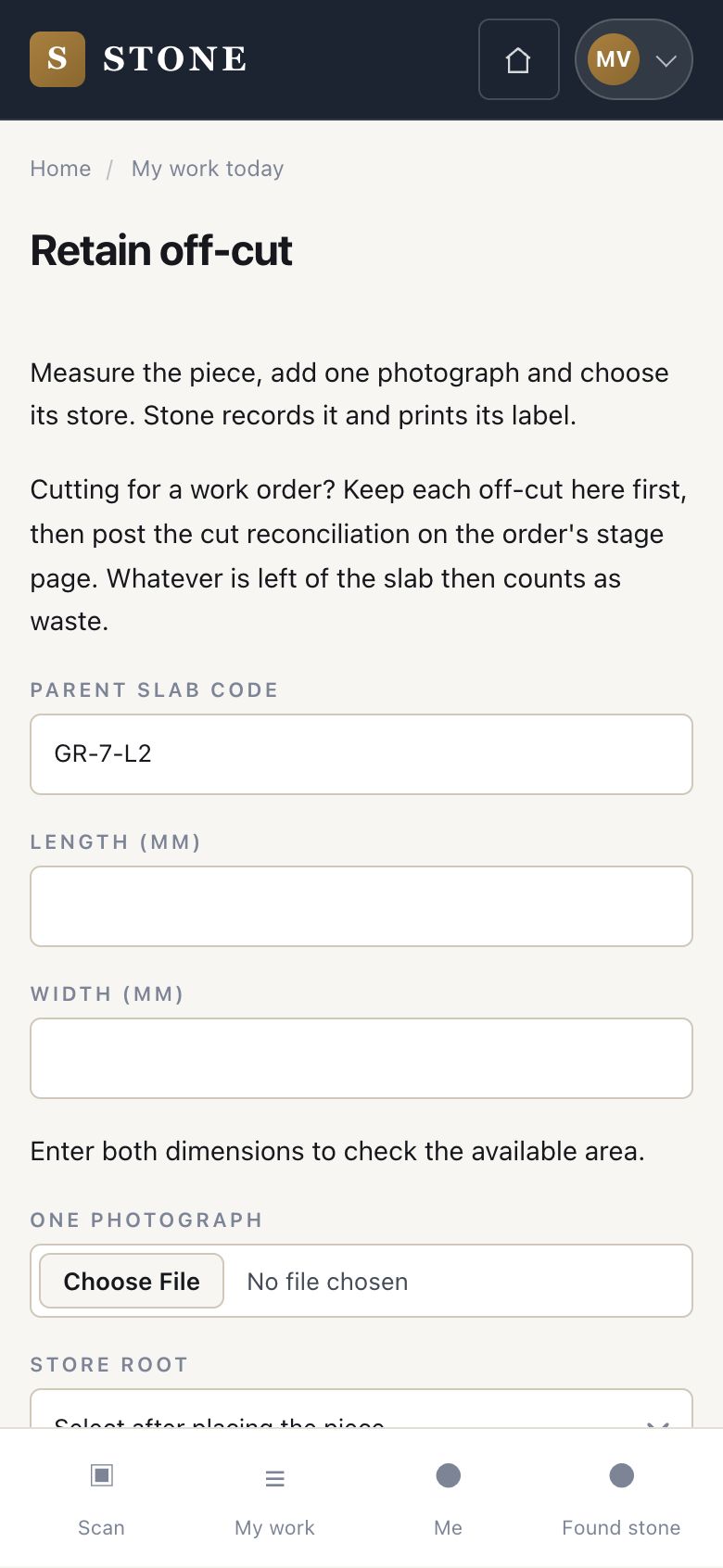
A session must be longer than a minute. Keep any off-cut before you post: after posting, the slab is Consumed.
Report damage
Worker
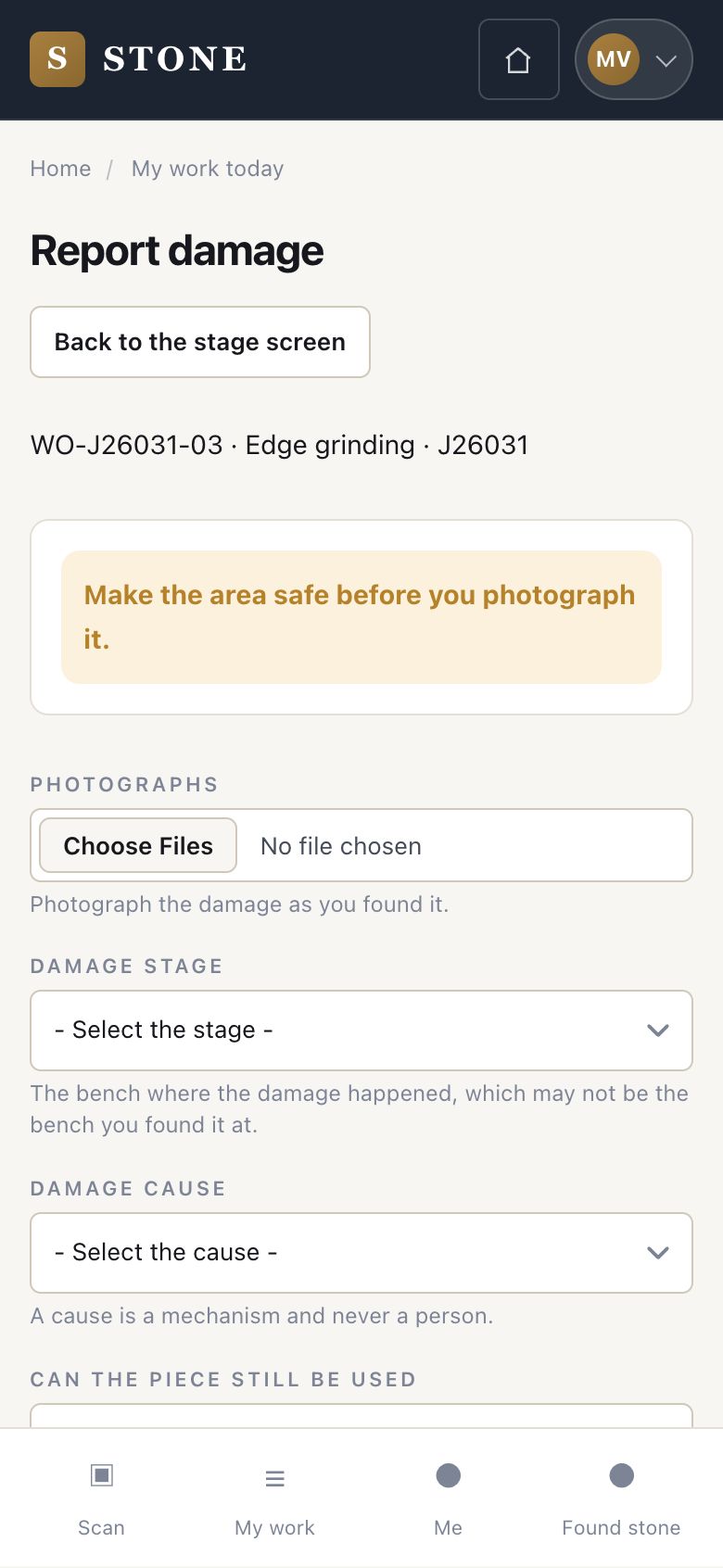
7Step 7 of 7
- From the stage, press Report damage and photograph the piece. Choose the stage and the cause. Say what happened and whether the piece can still be used.
- Save the damage report.
Make the area safe before you photograph it. A cause is a mechanism, never a person.
Check
The piece is cut and posted, the off-cut is kept with its label, and damage is on record
1 / 8