Run the workshop

Allocate, check quality, rework

  • An approved fabrication measure
  • Stone reserved for the job
Supervisor
New work order

Project coordinator
New work order

1Step 1 of 6

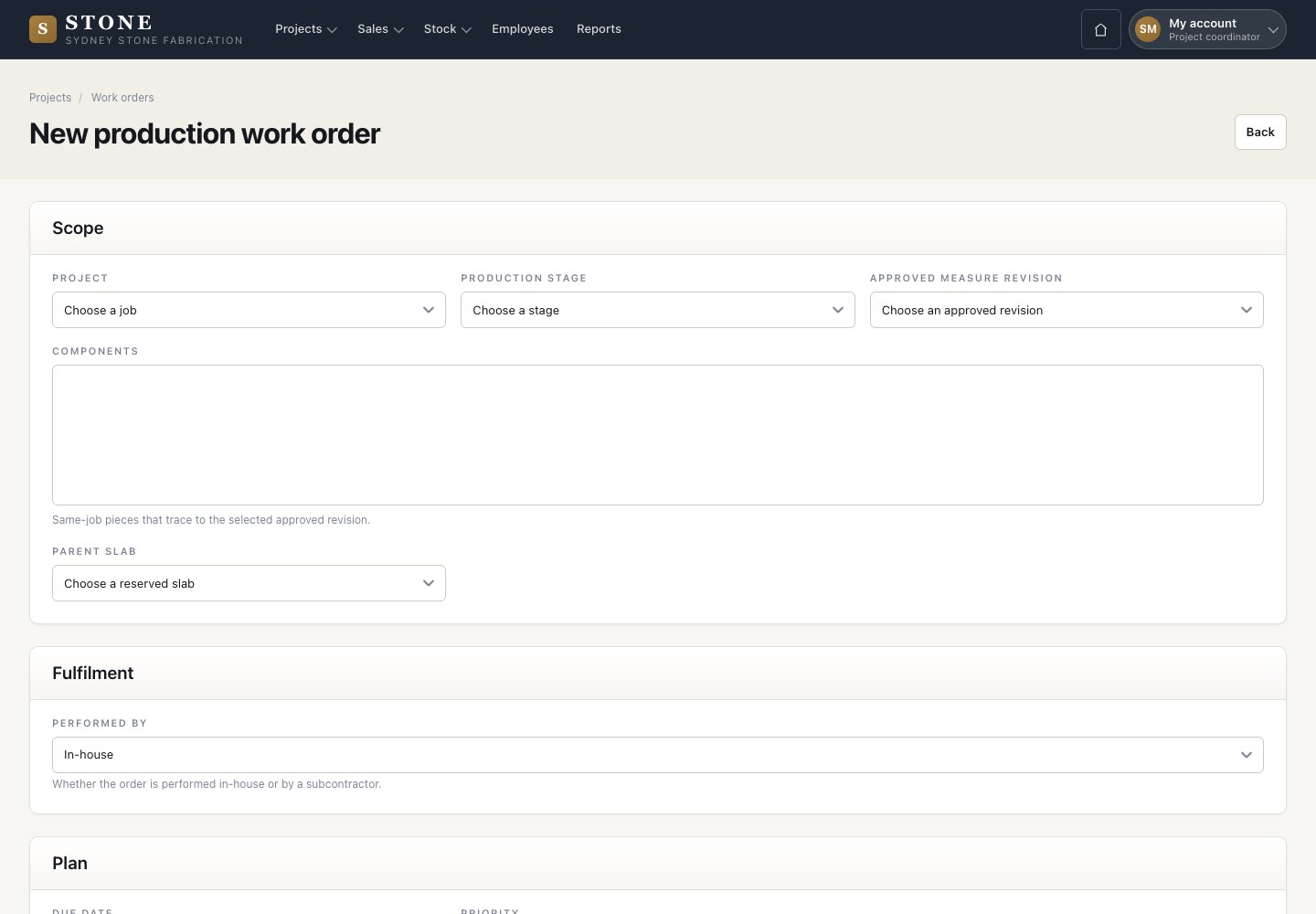
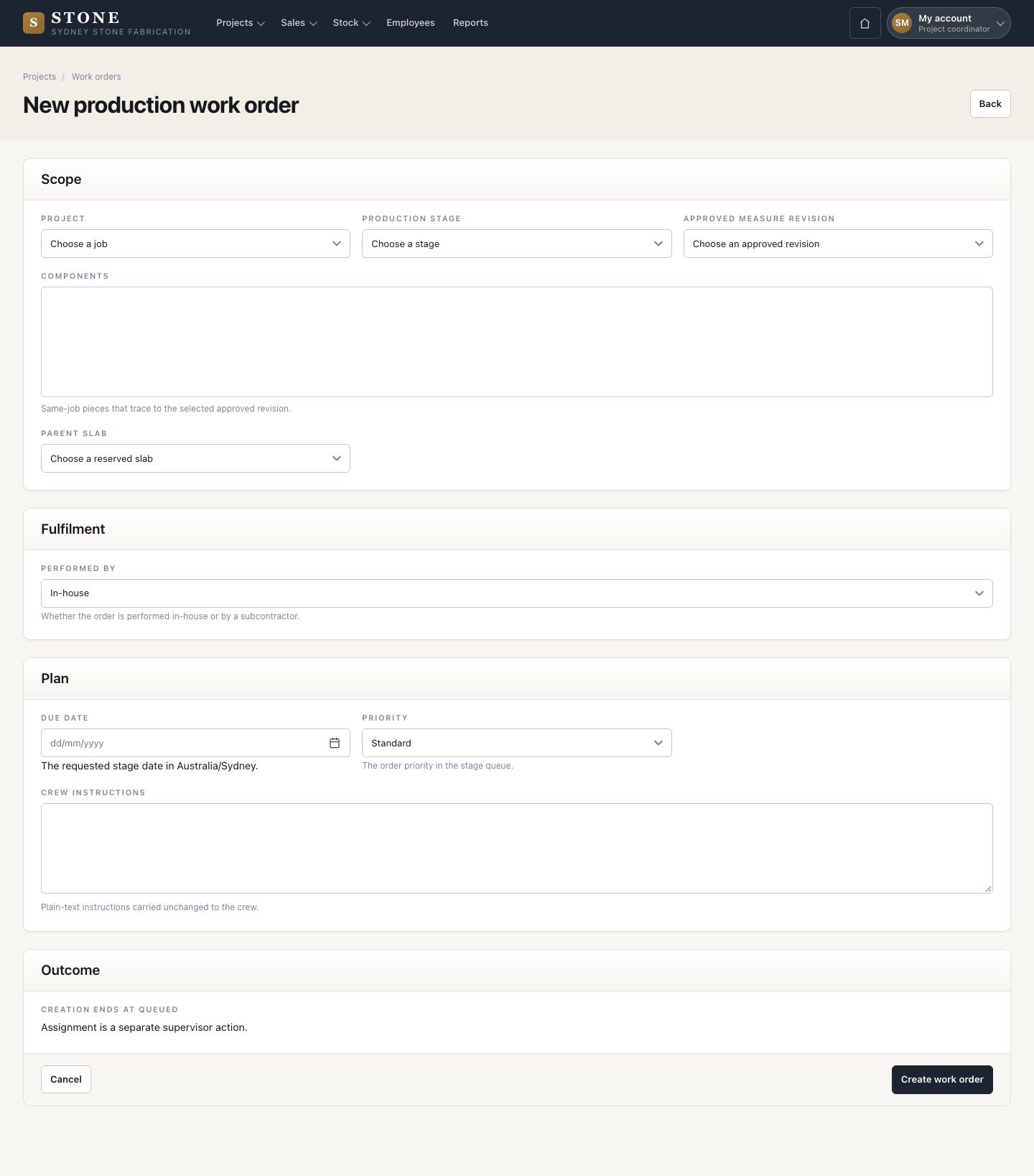
  1. The coordinator chooses the job, the production stage, the approved measure revision, the components and the parent slab.
  2. Performed by, due date, priority and crew instructions, then Create work order.

Only an approved revision can be chosen, and only a reserved slab can be the parent slab.

Enlarge, then scroll
Open in Stone ↗Full image ↗

Supervisor · Run the workshop01

Work orders

Supervisor

Work orders

2Step 2 of 6

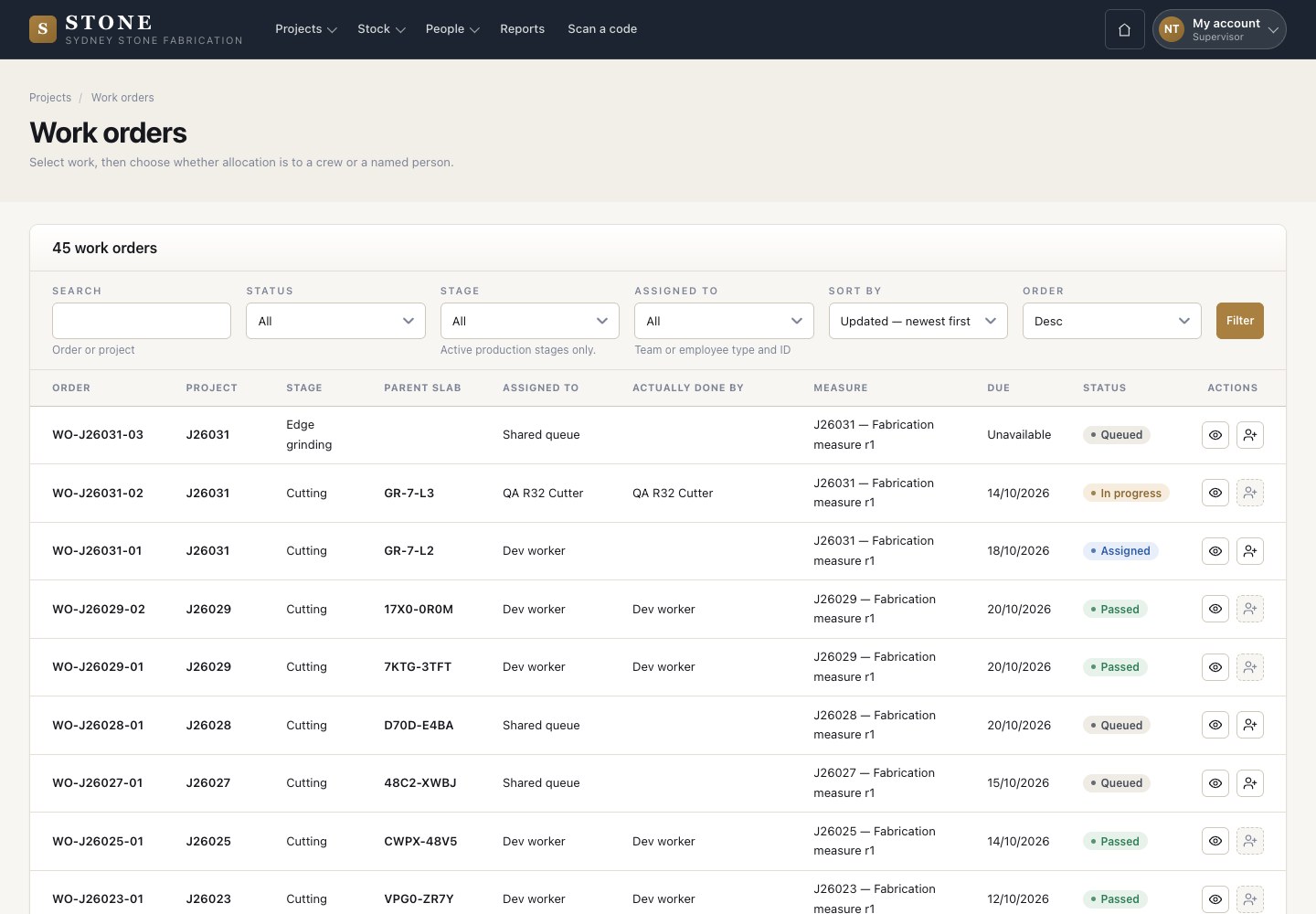
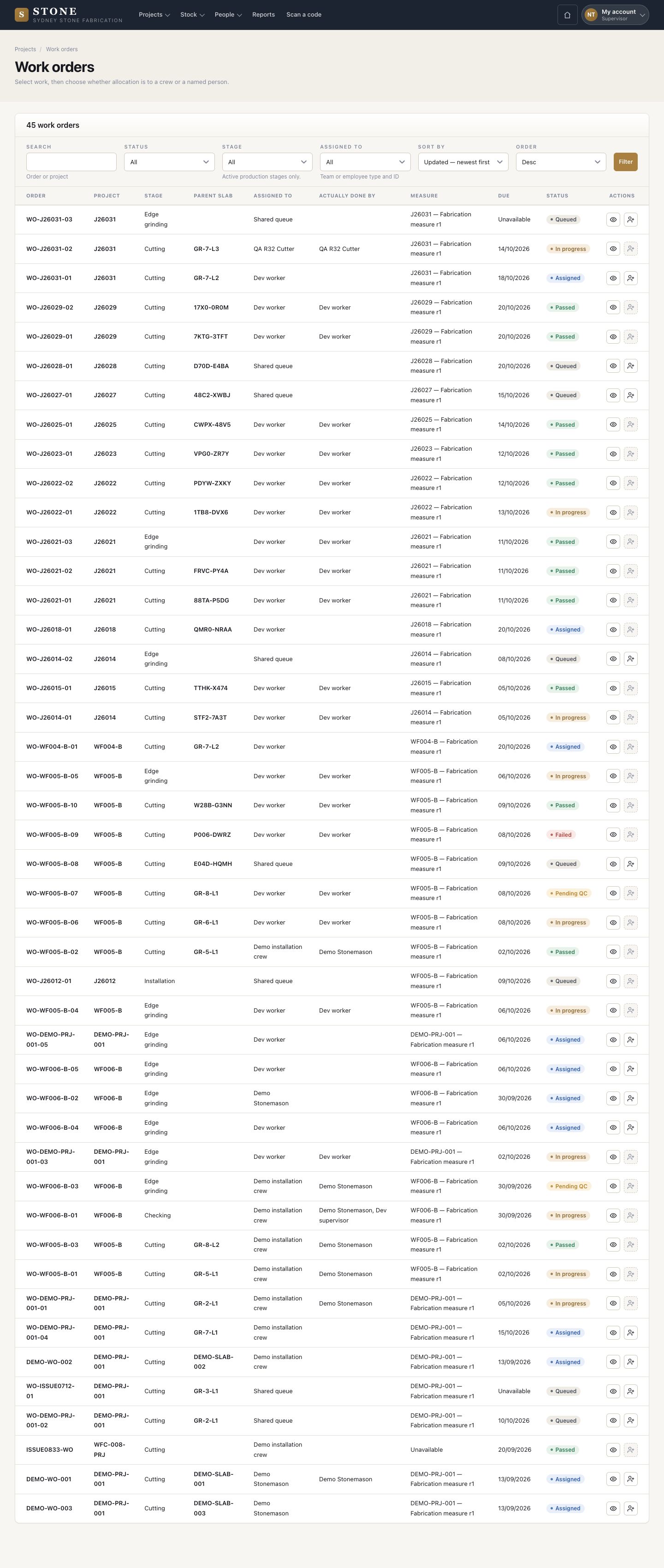
  1. Each order shows its stage, parent slab, measure, due date and status. It also shows who it is assigned to and who actually did it.
  2. Allocate from the row.

Enlarge, then scroll

Open in Stone ↗Full image ↗

Supervisor · Run the workshop02

Allocate

Supervisor

Allocate

3Step 3 of 6

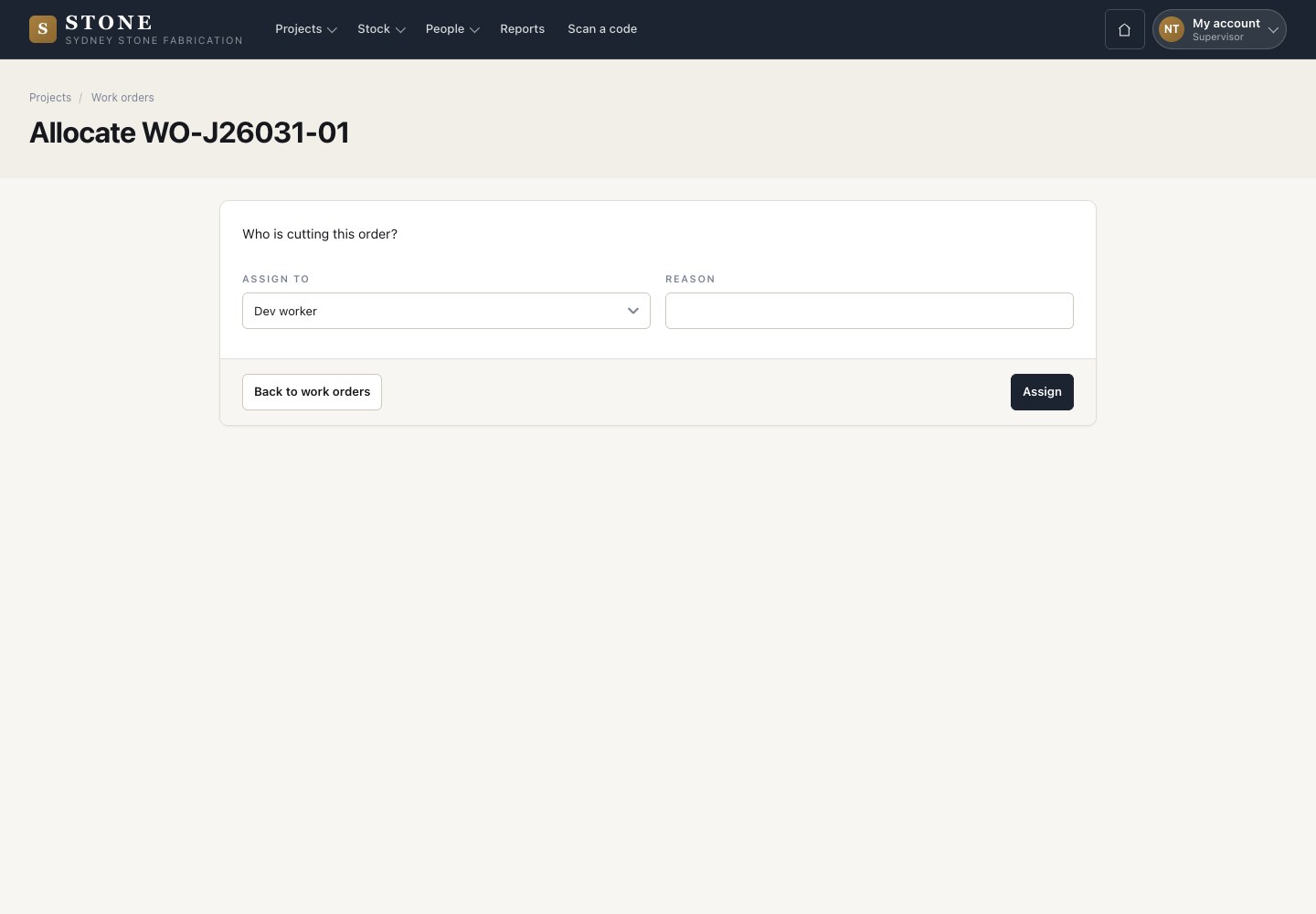
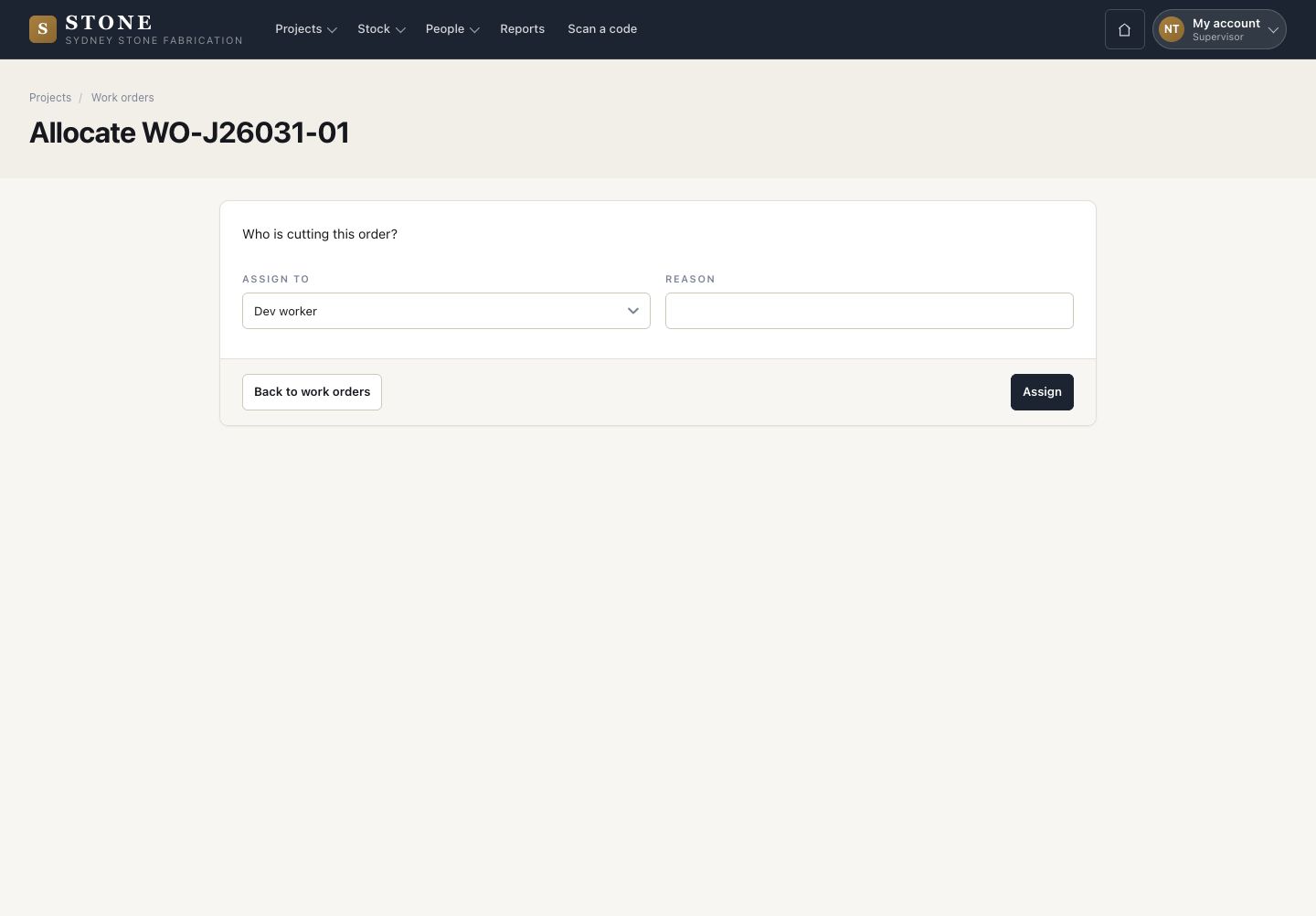
  1. Assign the order to the shared queue, a crew or a named person.
  2. Give the reason and press Assign.

Open in Stone ↗Full image ↗

Supervisor · Run the workshop03

Follow the order

Supervisor

Follow the order

4Step 4 of 6

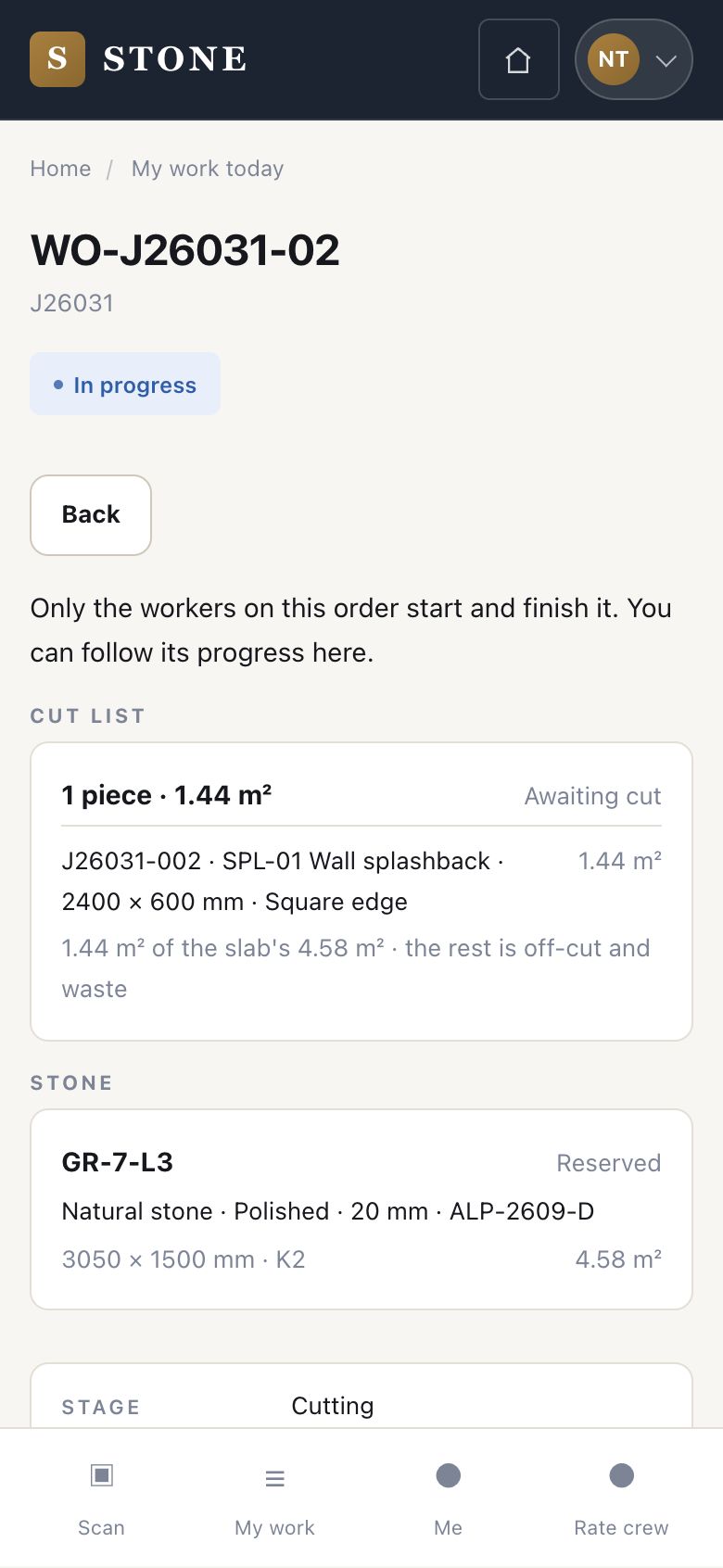
  1. On the phone, follow an order: its status, cut list, stone and stage.
  2. Only the workers on the order start and finish it.

Open in Stone ↗Full image ↗

Supervisor · Run the workshop04

Quality and rework

Supervisor

Quality and rework

5Step 5 of 6

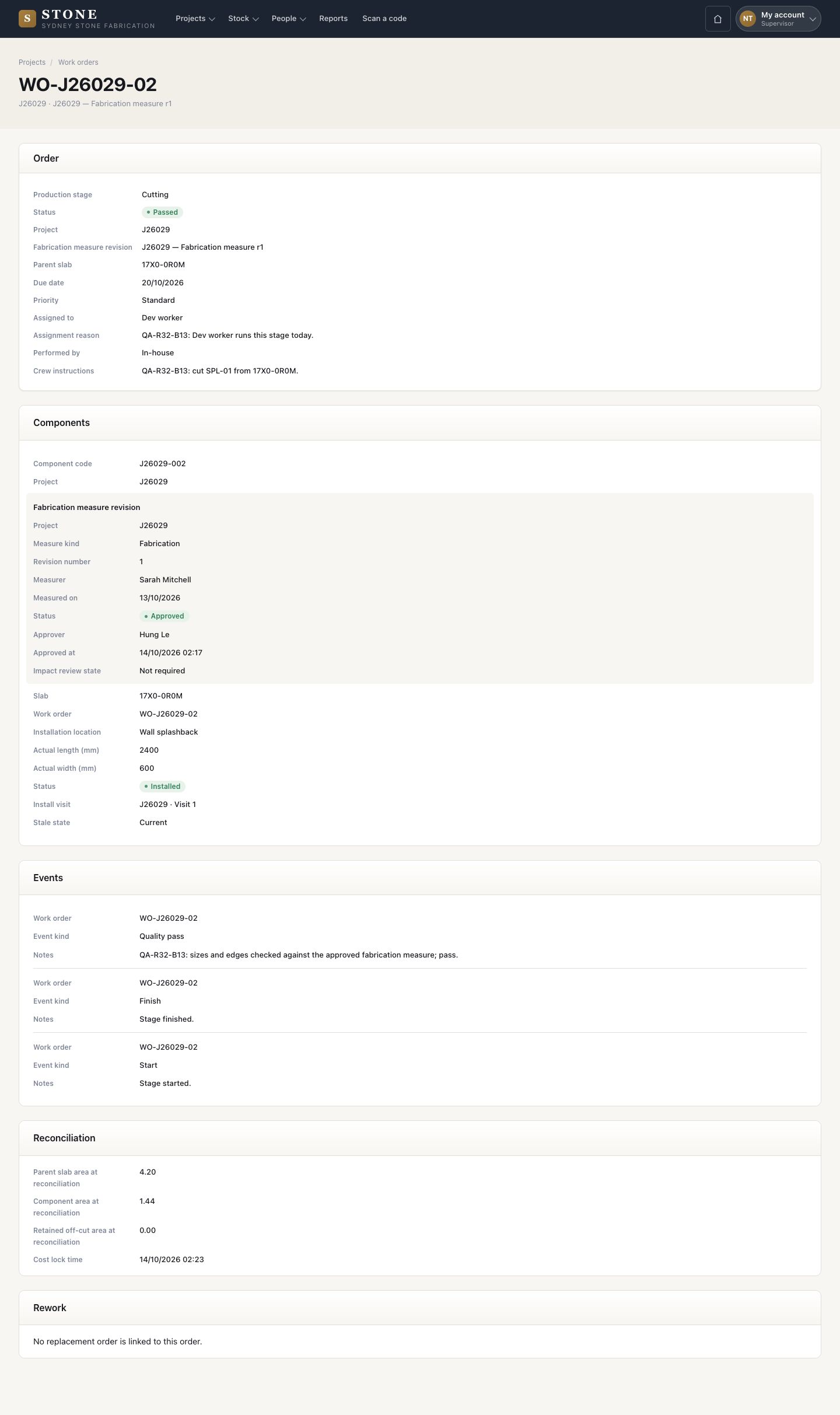
  1. When the worker has posted the cut reconciliation and every session is finished, Close stage sends the order to quality.
  2. A supervisor who did not do the work records quality pass or quality failure, with the reason.
  3. After a failure, press Raise rework order. Choose a newly reserved slab, the due date and the reason, then press Create rework order. The new order replaces this one; both keep the link.

You cannot check work you did yourself.

Enlarge, then scroll
Open in Stone ↗Full image ↗

Supervisor · Run the workshop05

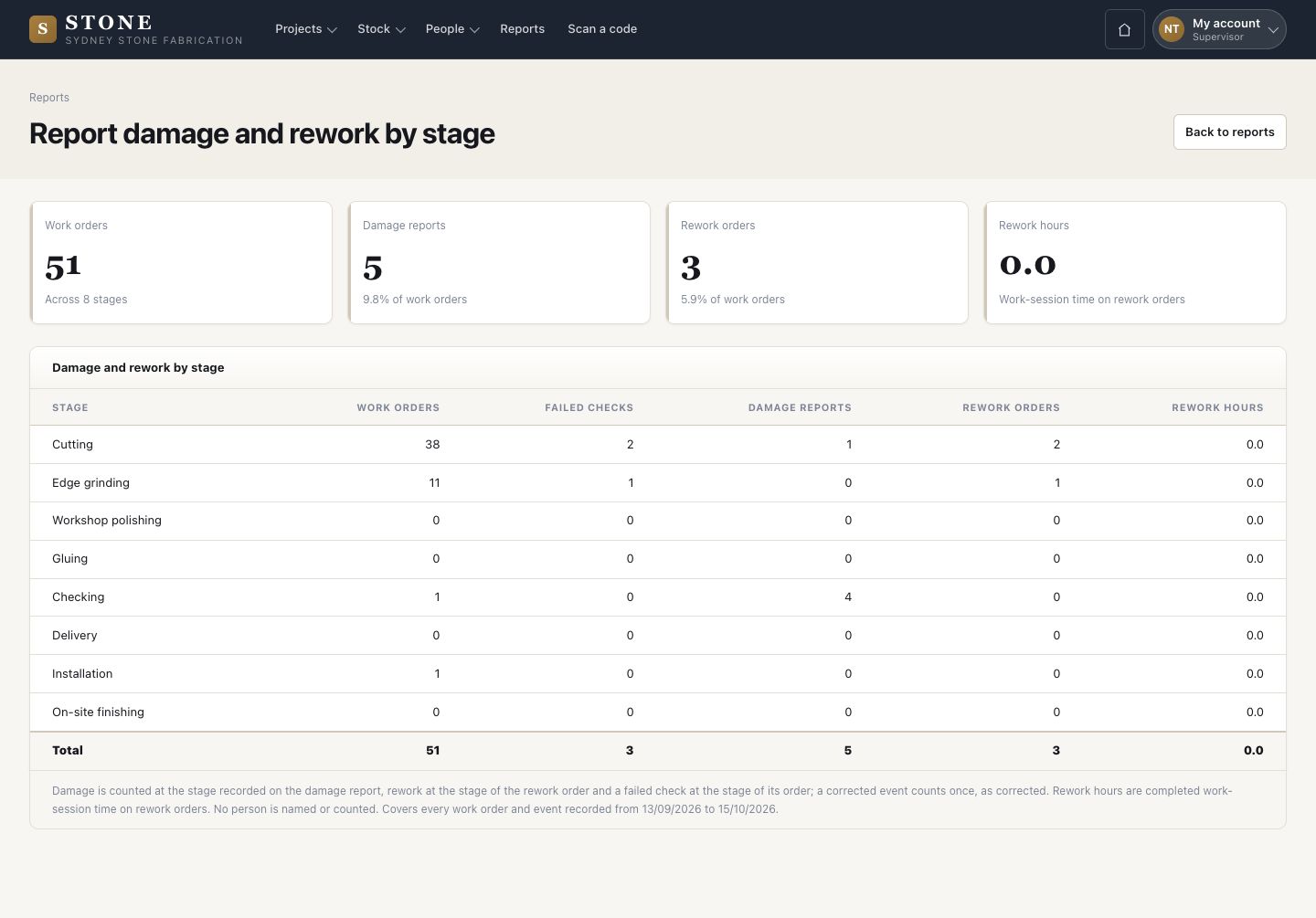
Damage and rework report

Supervisor

Damage and rework report

6Step 6 of 6

  1. Reports → Damage and rework by stage: orders, failed checks, damage reports and rework for each stage.

Open in Stone ↗Full image ↗

Check

Every piece passes quality, or a linked rework order replaces it

Supervisor · Run the workshop06
1 / 7